
 9:03
SATEC AUSTRALIA · PAS TRAINING
PAS
Choose your meter. Watch the task. Follow the steps below the video.
Featured walkthrough
9:03Browse videos
15 videos
 1:22
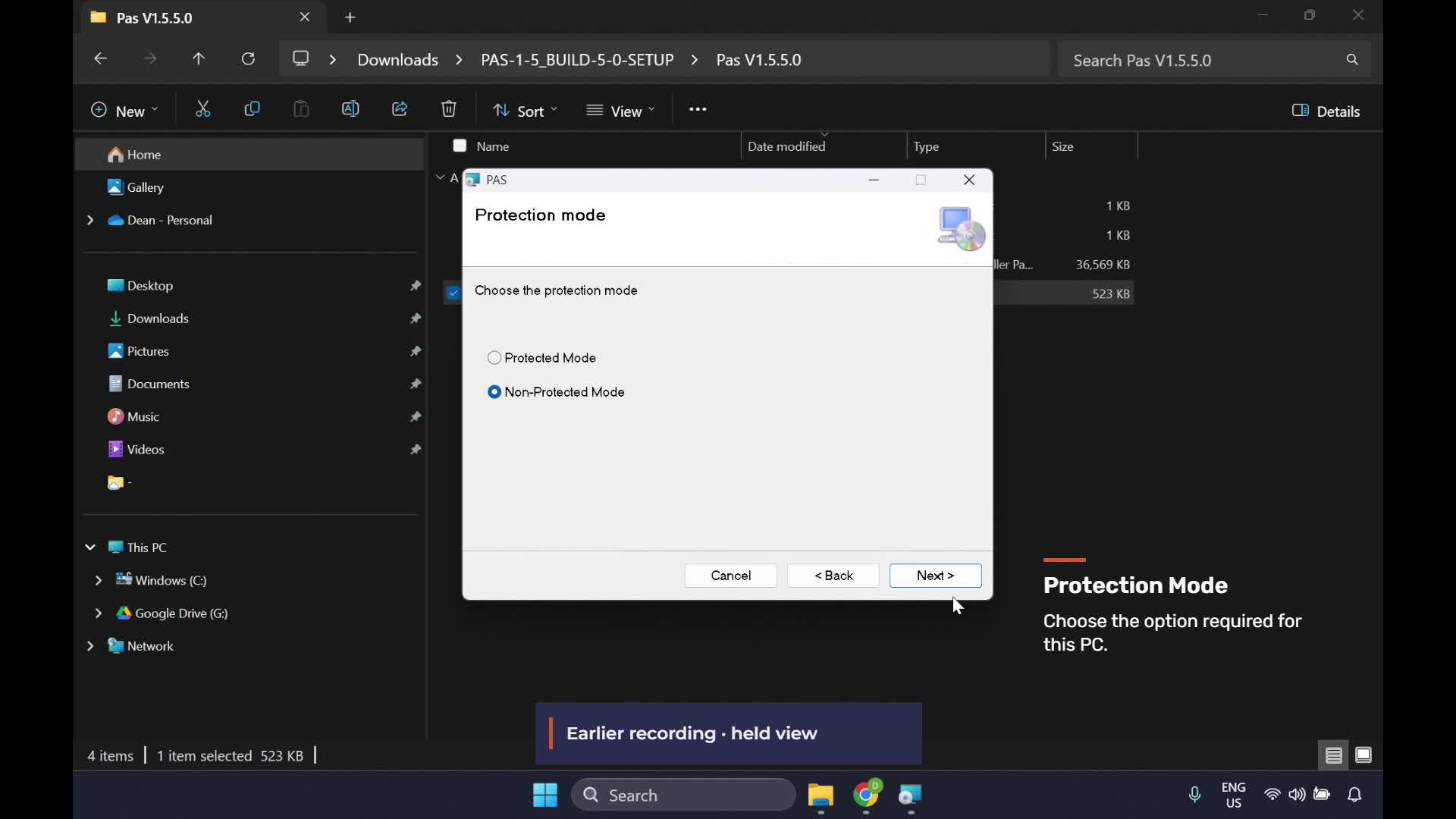
Install and check PAS
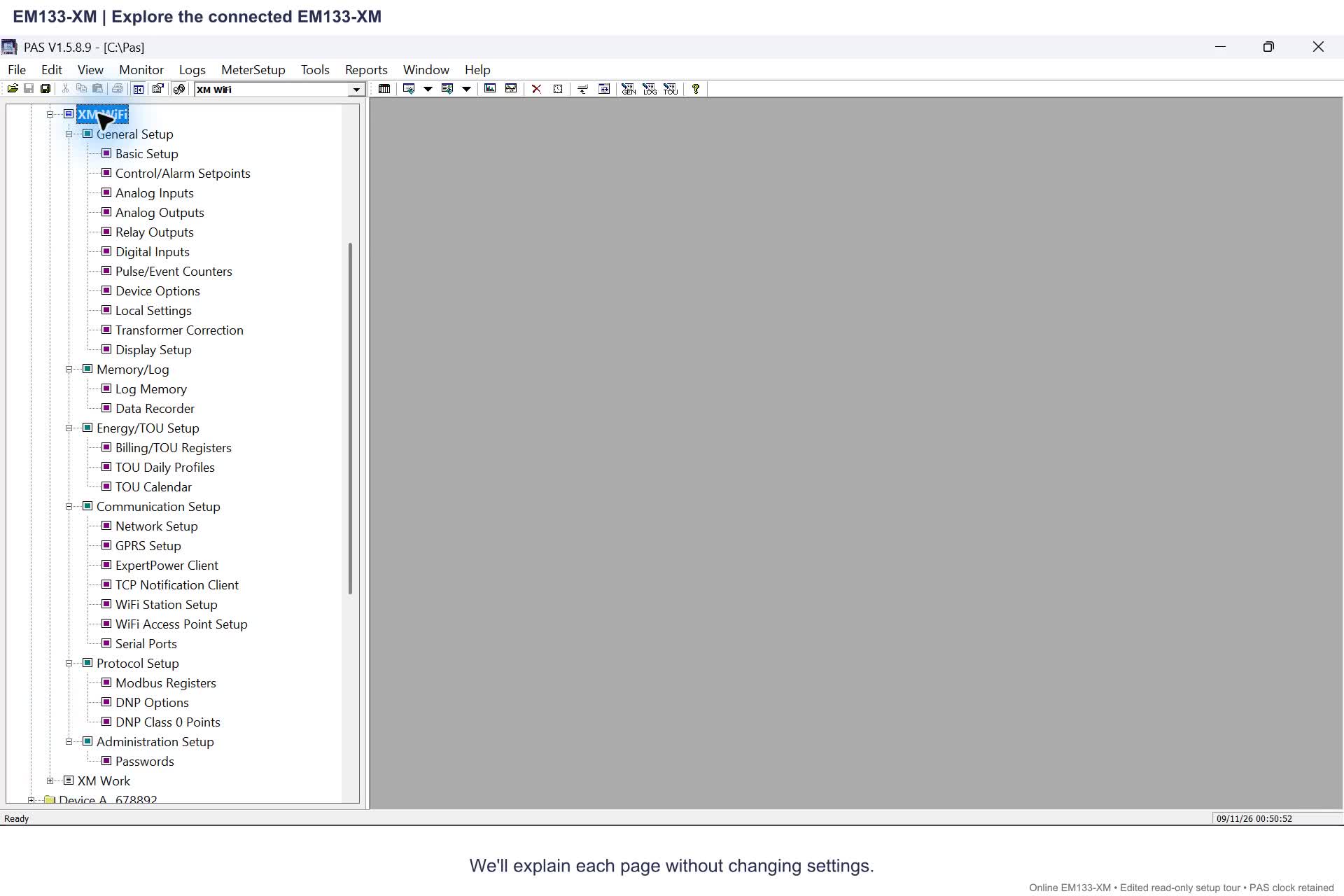
Watch video9:03Explore EM133-XM setup options
Watch video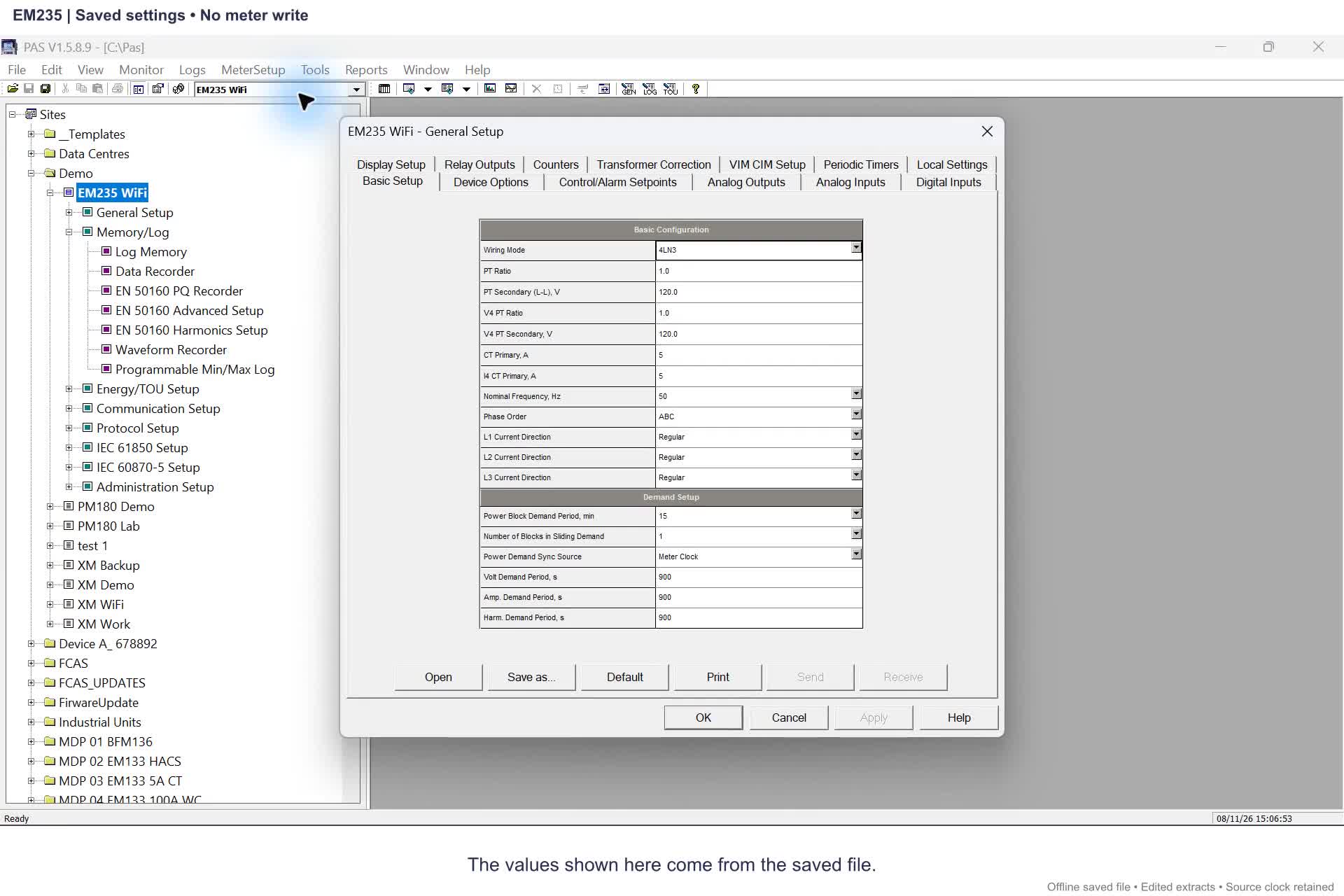 0:24
EM235: Site Tree and menus
Watch video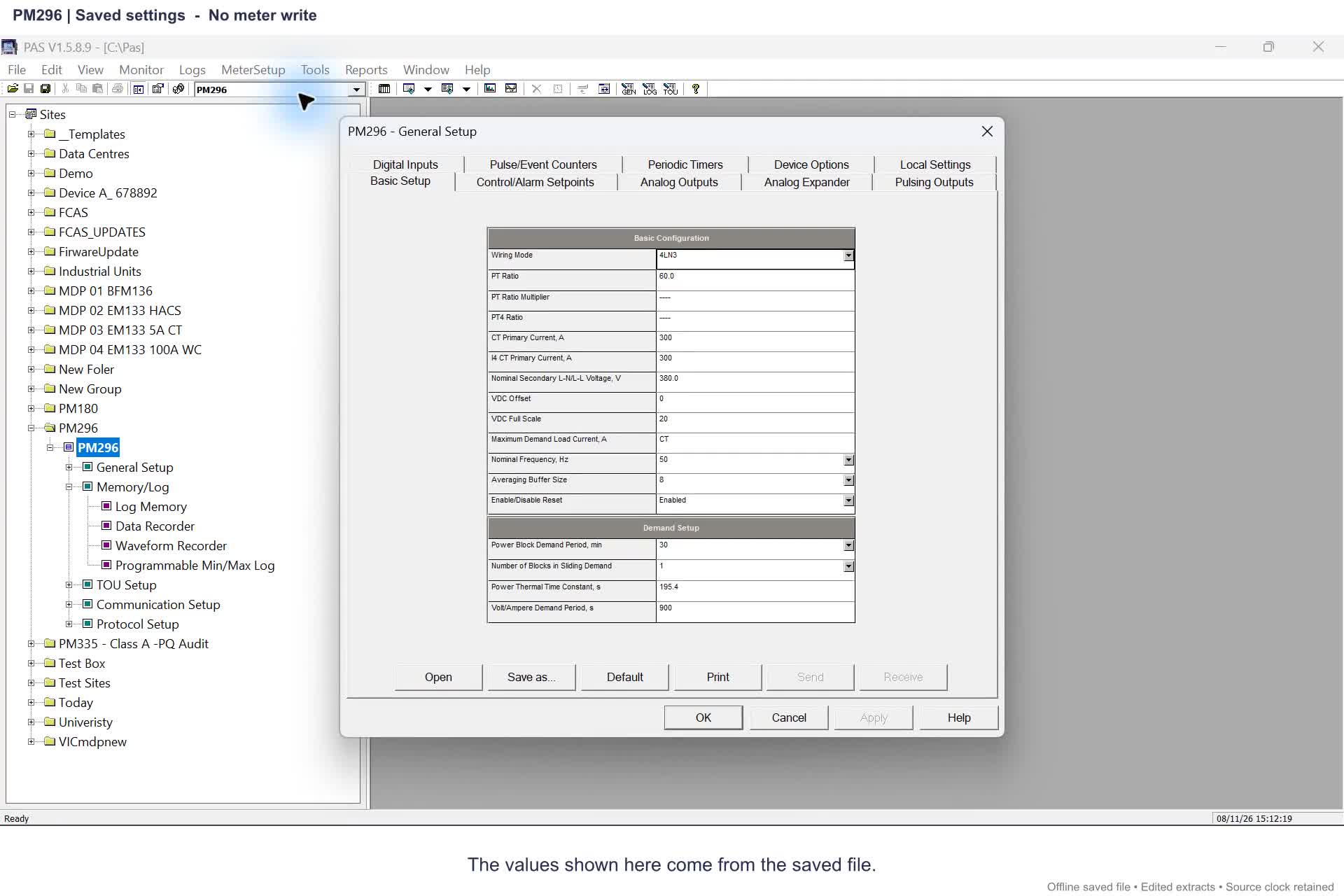 0:25
PM296: Site Tree and menus
Watch video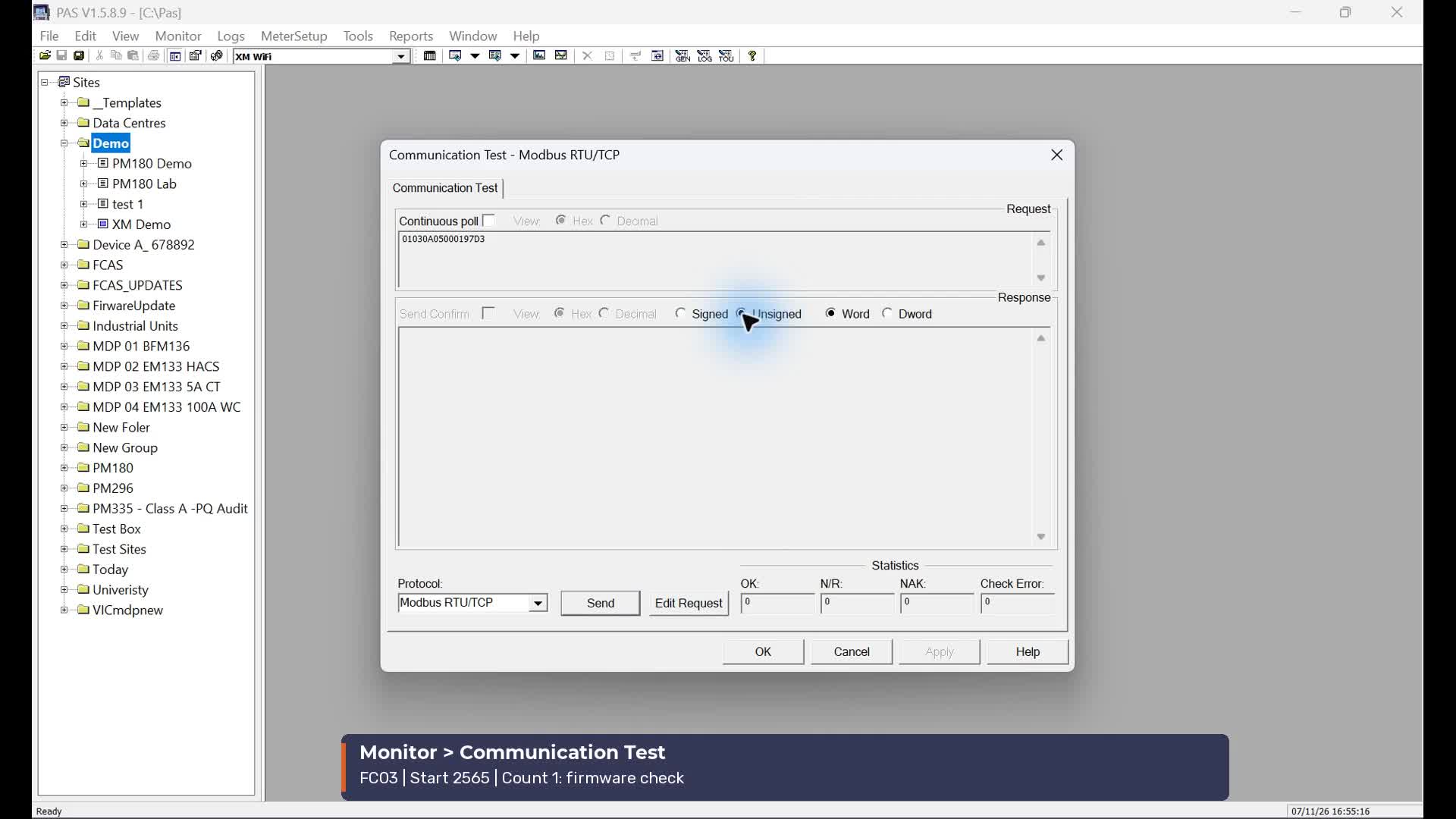 2:36
Communication, uploads and RTC
Watch video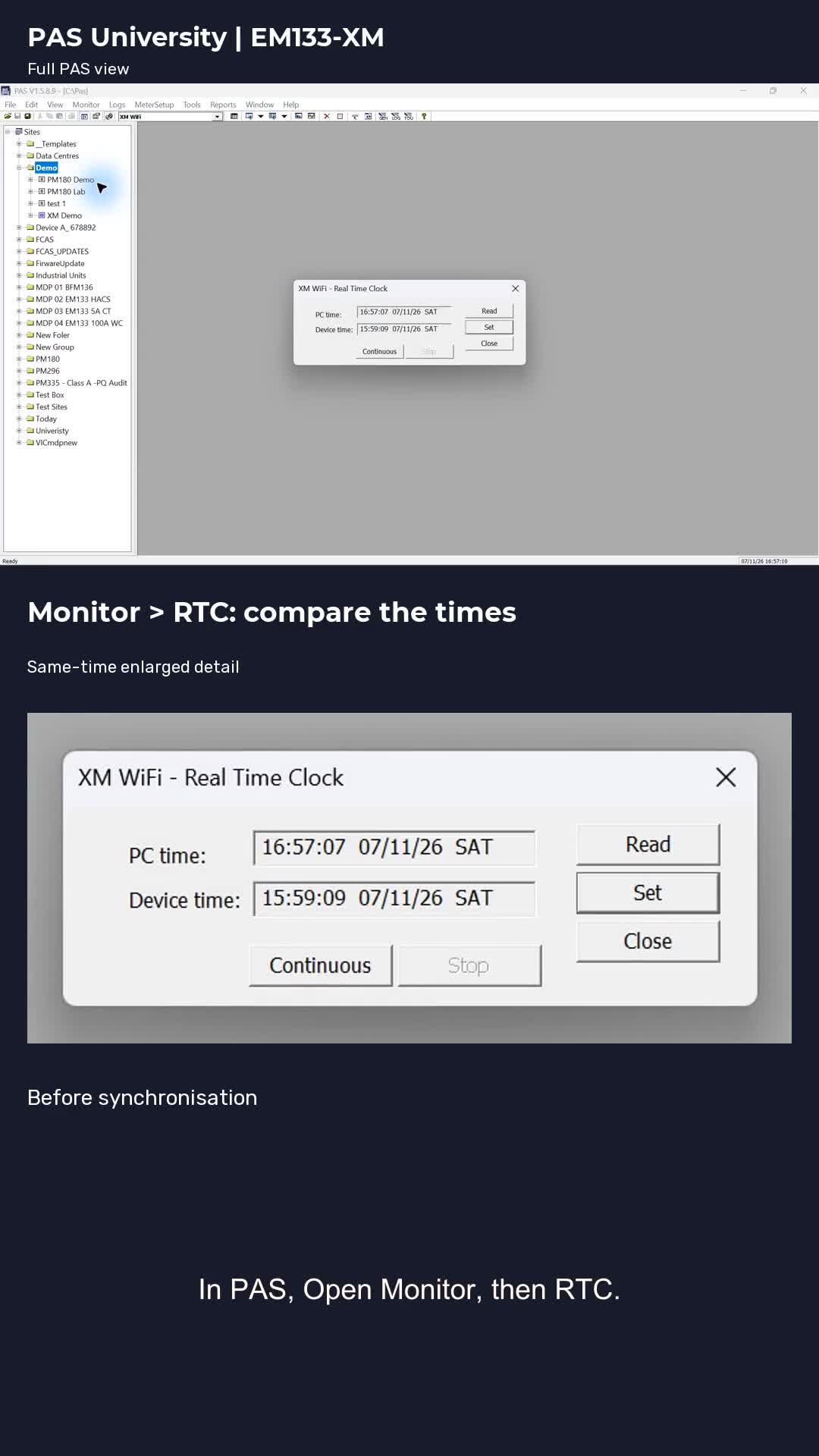 0:33
Synchronise the RTC
Watch video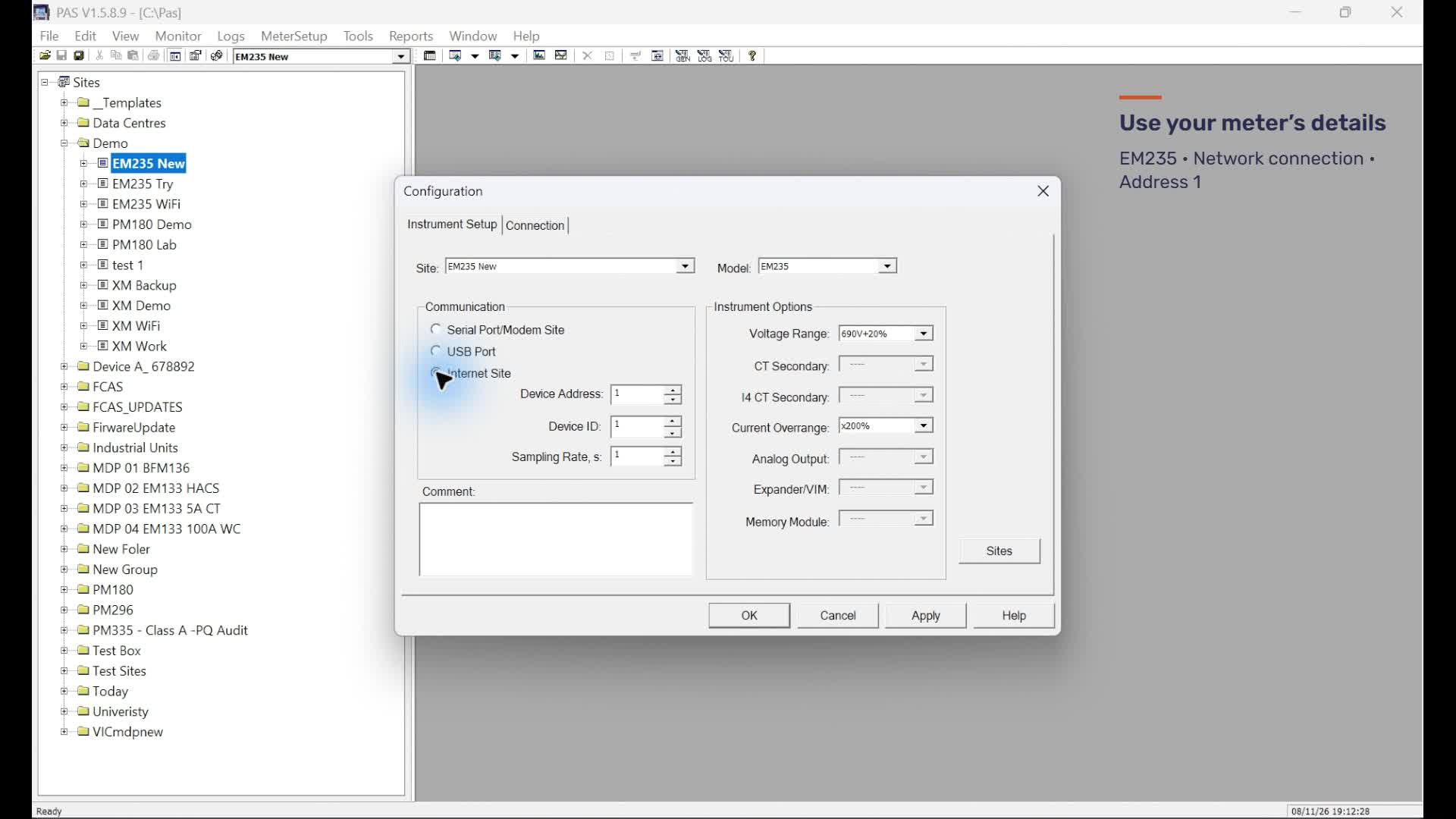 2:15
Create a new meter site
Watch video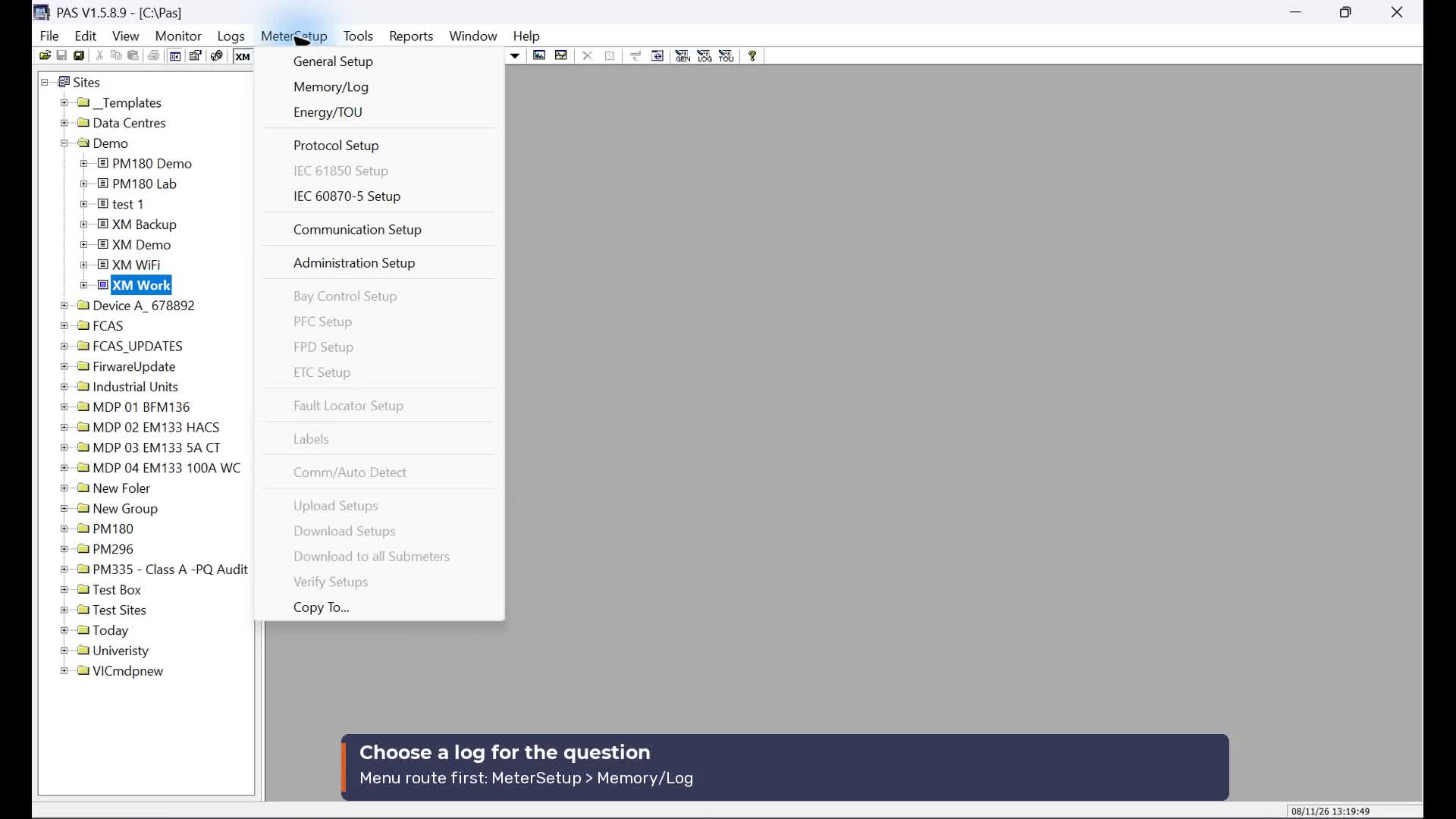 3:54
Find the data and event logs
Watch video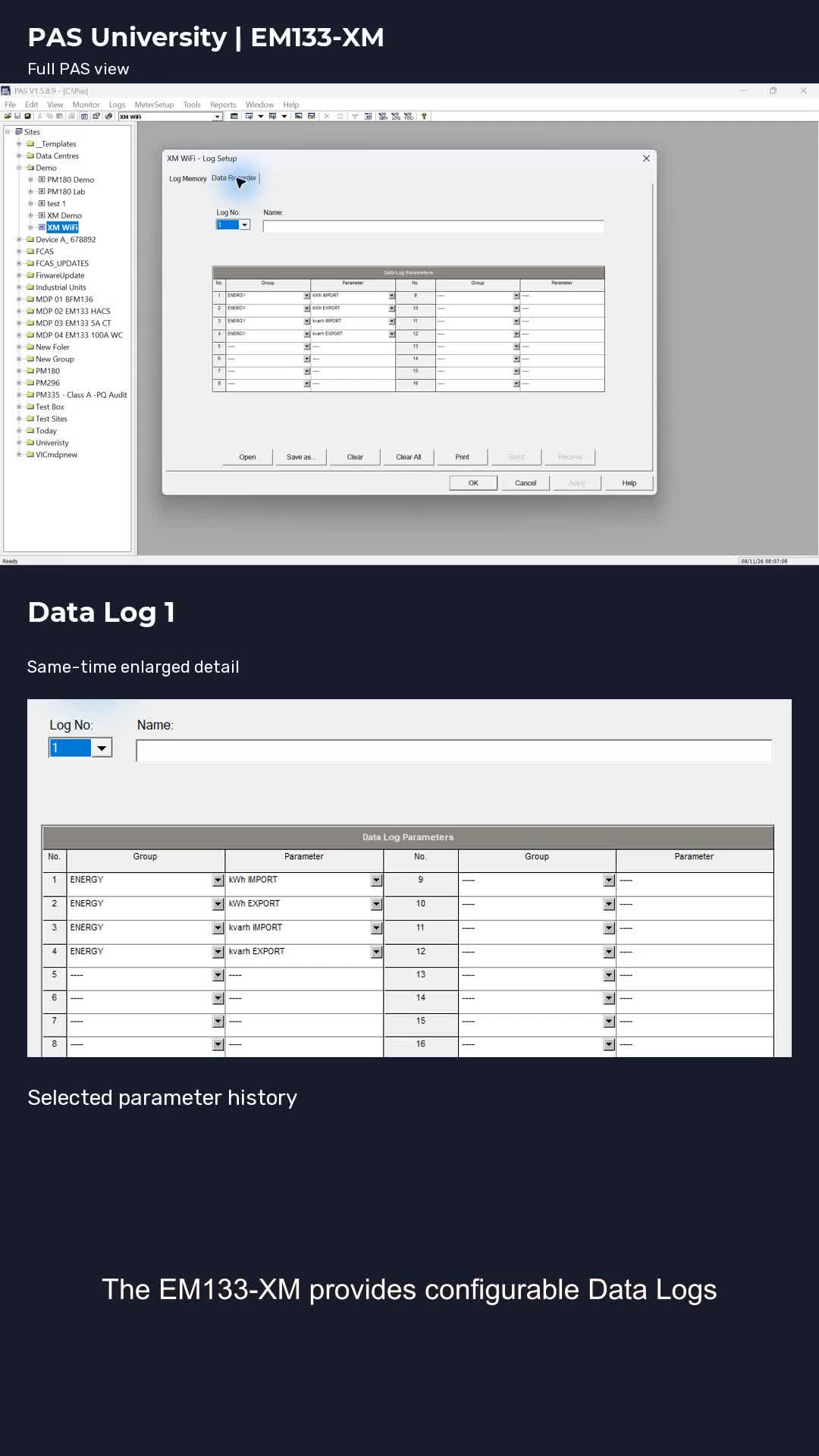 0:25
Find the data and event logs · Short
Watch video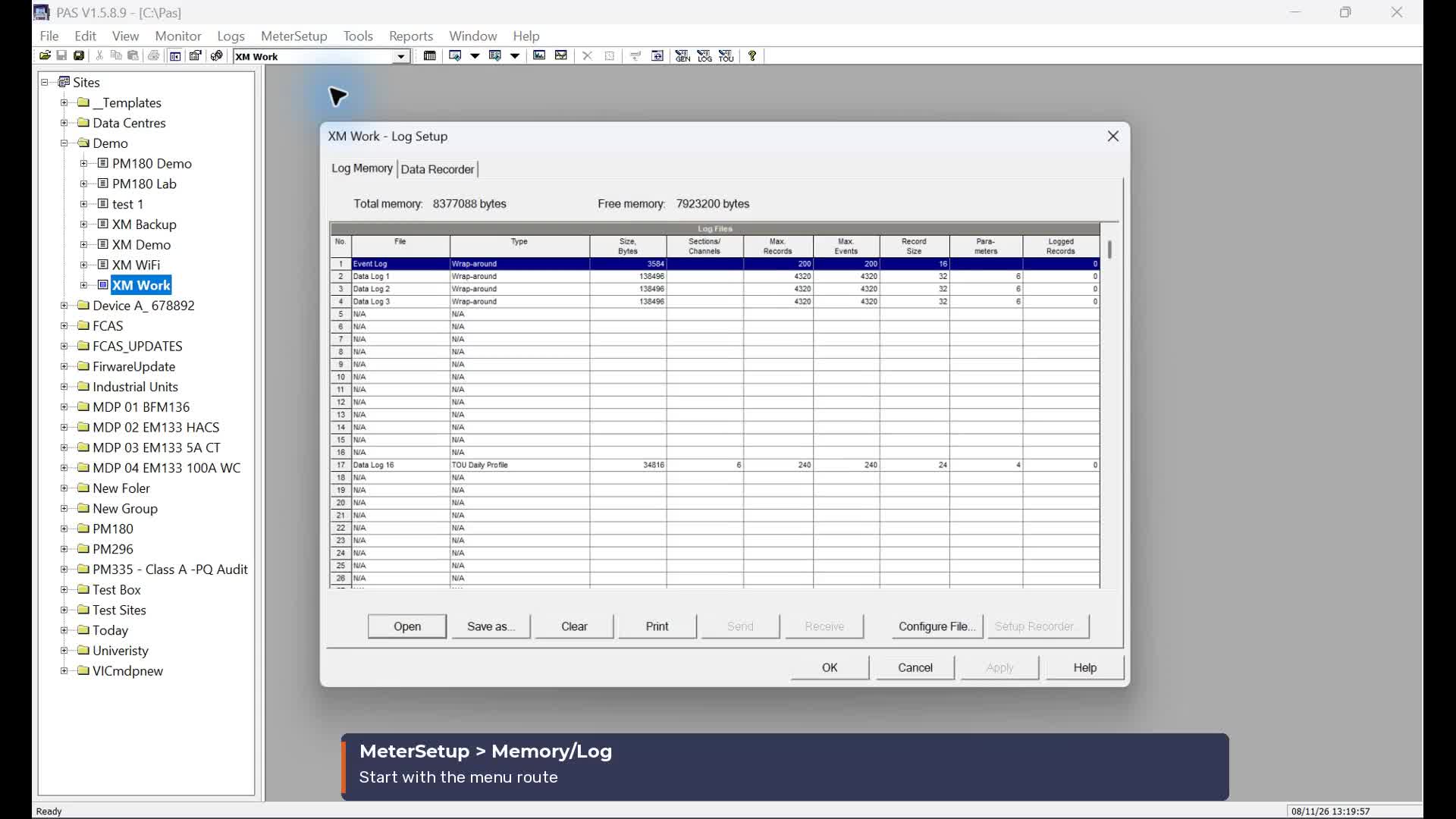 1:12
Explore Data Log 2
Watch video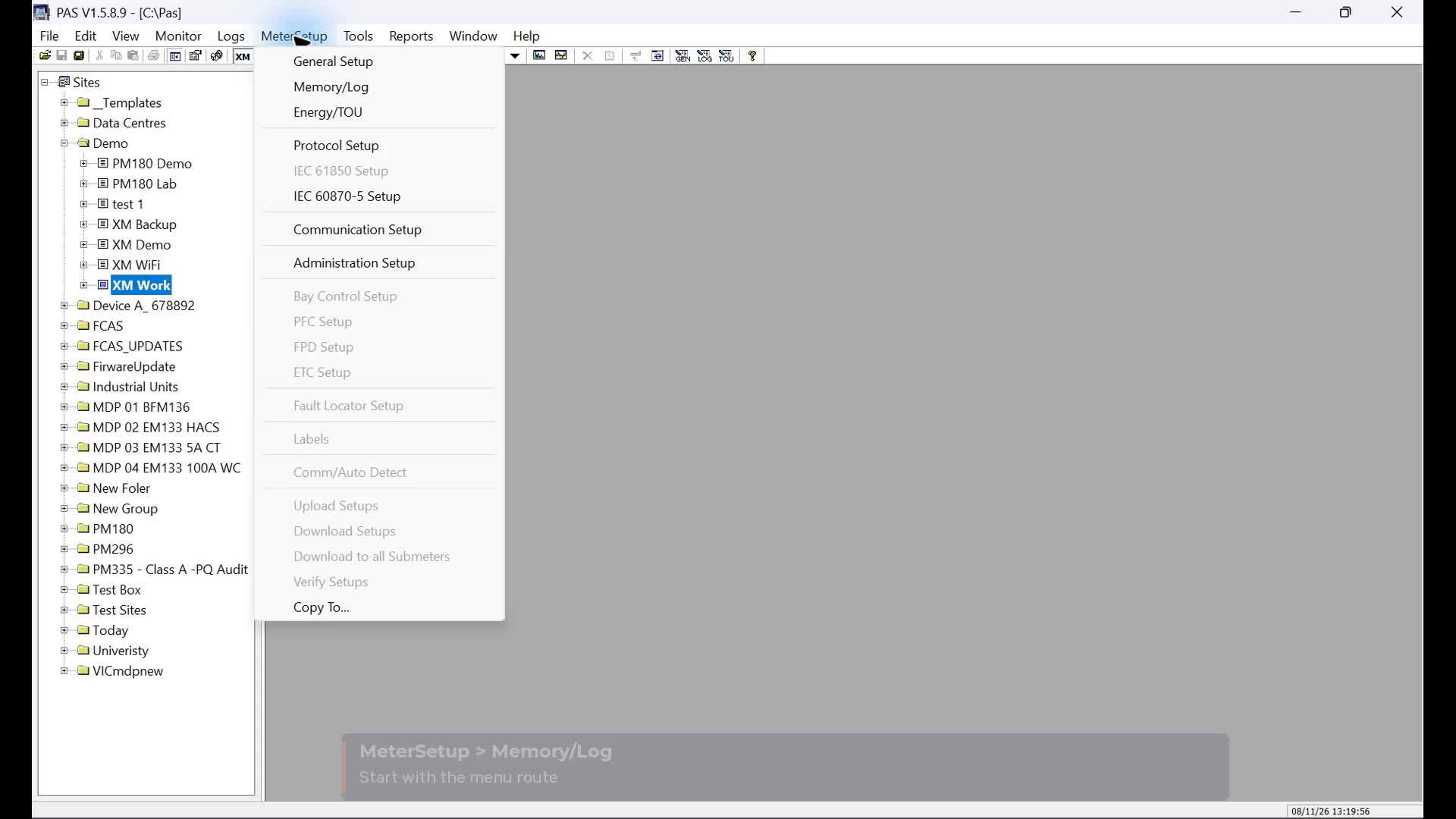 1:09
Explore Data Log 3
Watch video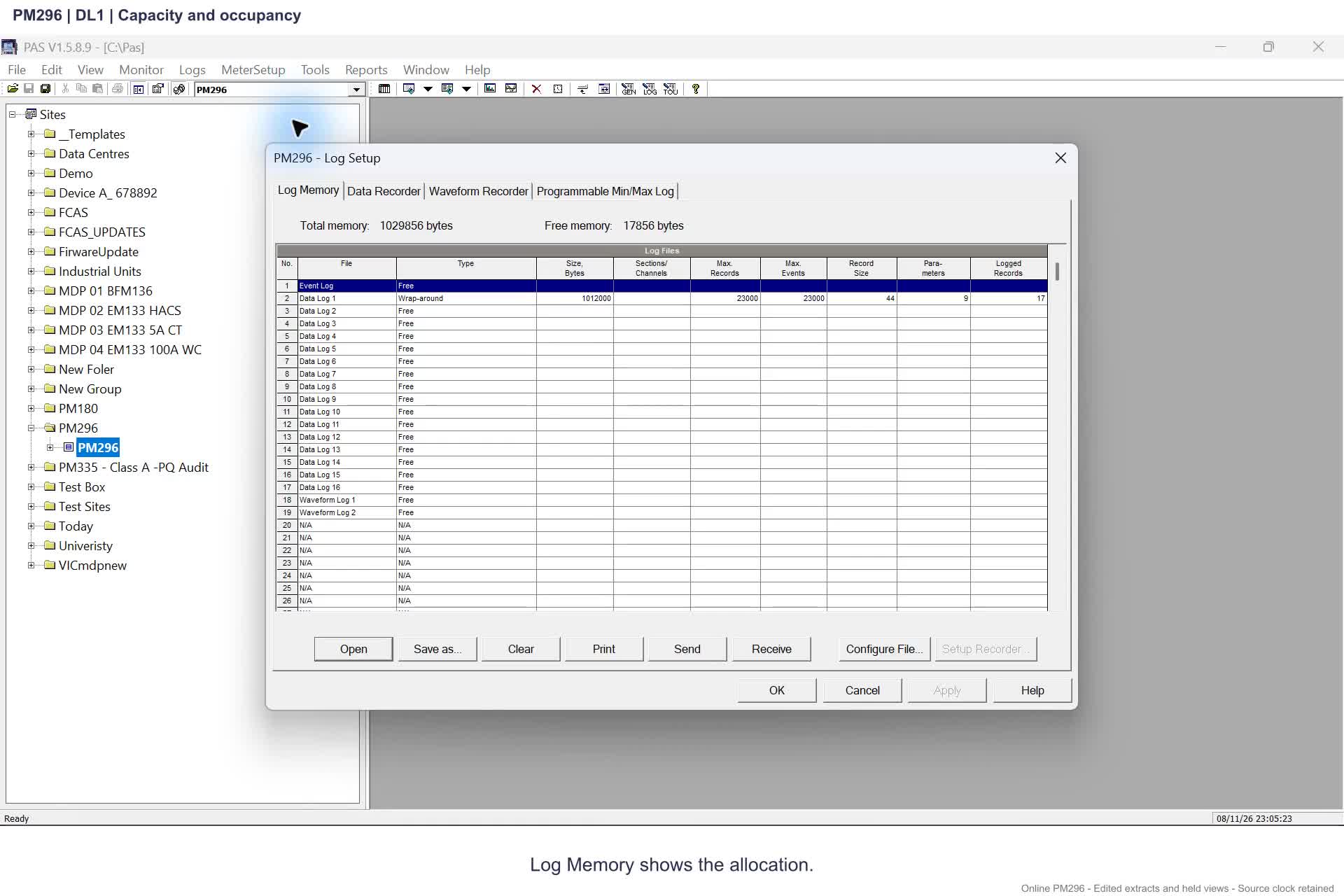 2:57
PM296: uploads, logs and memory
Watch video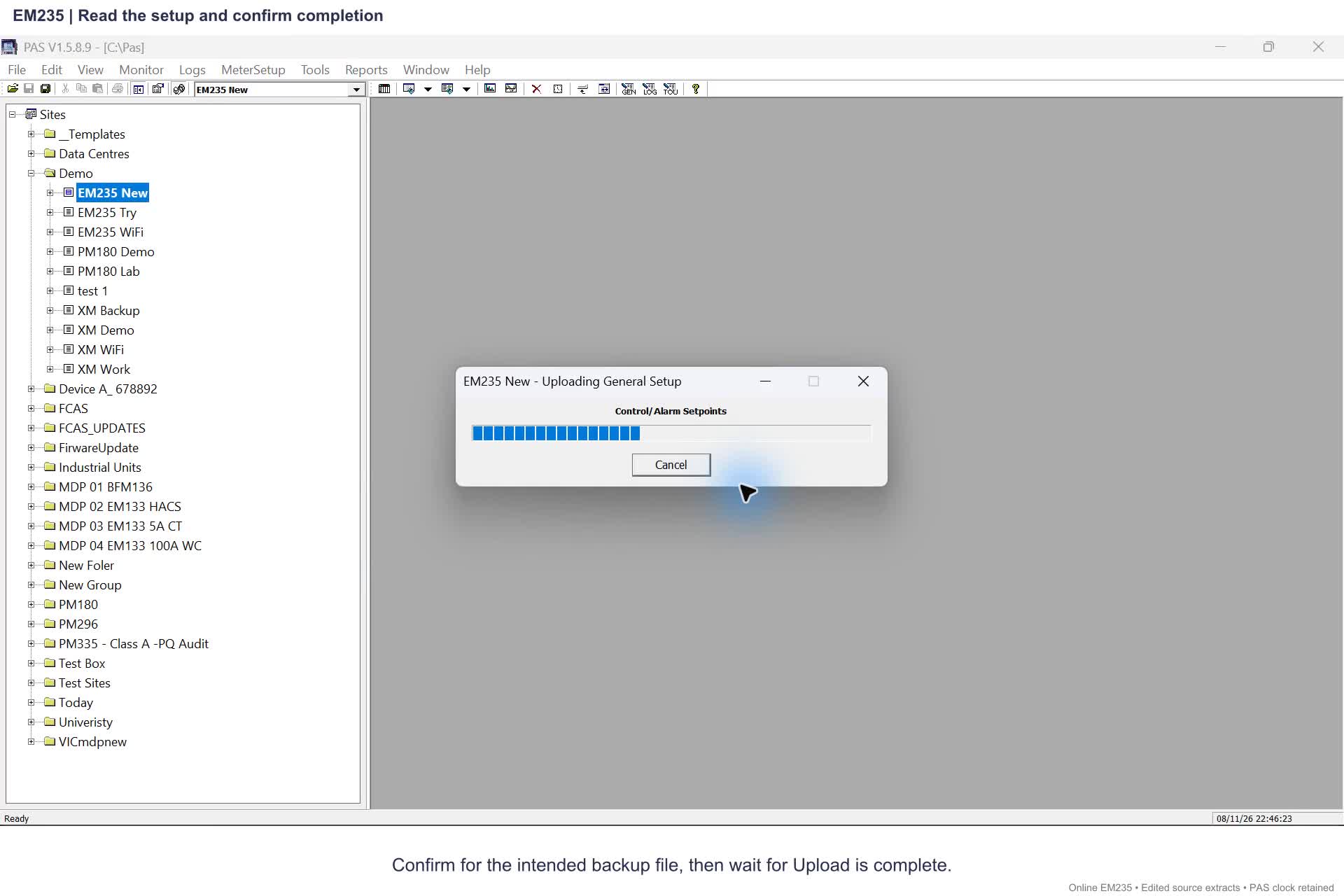 2:20
EM235: uploads, logs and memory
Watch video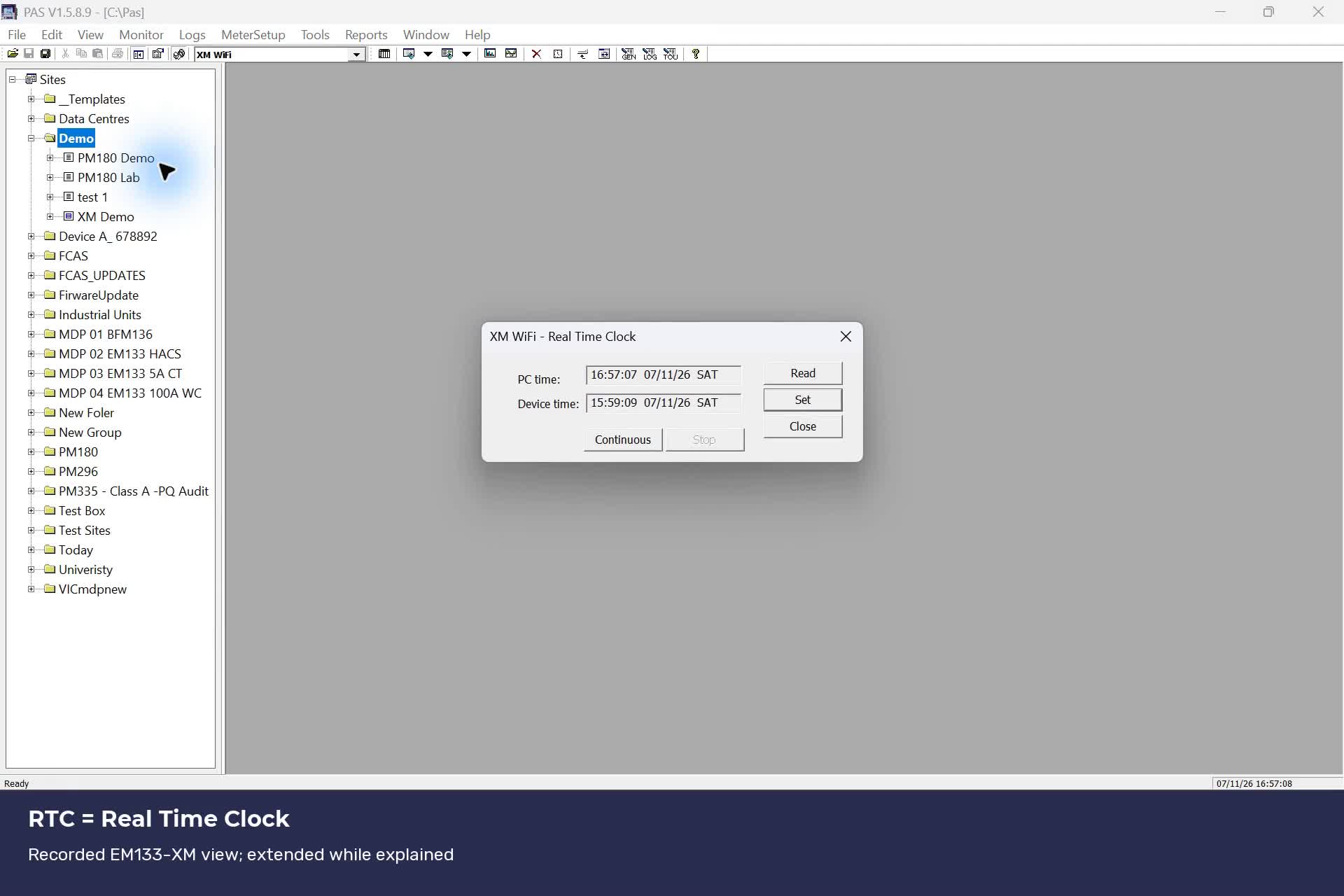 1:32
Understand and check the meter RTC
Watch video 3:47
Clock synchronisation across SATEC meters
Watch videoNo videos match. Try another meter or clear the filters.
Each video opens with its lesson and written steps. Nothing plays automatically.
Course guides, written lessons and learning path
SATEC AUSTRALIA · PAS TRAINING
Follow the beginner path
Start with PAS, identify your meter, then build towards useful readings.
- 1. Install or check PAS
Start with the official PAS resources, then open the software.
- 2. Find the Site Tree and the selected meter
Learn the screen before entering settings.
- 3. Choose serial or Ethernet and check Windows
Follow one connection branch, using the actual address or COM assignment.
- 4. Create the site and confirm communication and identity
Use a documented read-only test for the exact model before interpreting its measurements.
- 5. Back up the setup and duplicate the file
Keep a recoverable copy before considering a change.
- 6. Understand online/offline settings, CT/VT and wiring
Review the model-specific measurement setup before a permitted change.
- 7. Interpret readings and keep the evidence
Move from communication checks to the question you need to answer.
Already using PAS?
Choose a lesson by its model and task below. The EM133-XM recording assumes an established connection; it does not cover another model.
VideoCommunication, uploads and RTC
Existing EM133-XM recording: communication, uploads and RTC. Exact model only.
Follow the full learning path
Read in order or return to a topic. CT editing and the NEM discussion are optional.
1. Create your site and keep a backup
Identify the meter, upload its setups and duplicate the saved file. The CT exercise is optional and needs an authorised training meter.
- Create a blank site and check the connected meter
Written lesson · recorded supplement - Upload the setups, then duplicate the backup
Written lesson · recording pending - Check Site Config files: dates, size and copies
Written lesson · recording pending - Optional: Change a CT primary online and compare the offline file
Written lesson · recording pending
- Create a blank site and check the connected meter
2. Check communication and follow the live workflow
With your site configured, watch the communication check, configuration upload, clock readback and log upload. The recording explains what was and was not demonstrated.
- Communication, uploads and RTC
Recorded draft
- Communication, uploads and RTC
3. Preserve the historical records
Upload Setups saves configuration. Upload Logs saves history. Check both before changing recorder settings or memory.
- Upload and verify your logs before changing memory
Written lesson · recording pending
- Upload and verify your logs before changing memory
4. Understand the data and Event Logs
Start with the overview, then learn the purpose and checks for each log. Use the recorded tour alongside the written instructions.
- Choose the right EM133-XM log
Written lesson · recorded supplement - Data Log 1: inspect the main periodic recorder
Written lesson · recording pending - Data Log 2: build a separate view of the same meter
Written lesson · recorded supplement - Data Log 3: reserve a recorder for a defined question
Written lesson · recorded supplement - Data Log 16: understand the daily Billing/TOU profile
Written lesson · recording pending - Event Log: read the meter's operational history
Written lesson · recording pending
- Choose the right EM133-XM log
5. Plan memory and configure periodic logging
Choose the recording purpose and interval, plan retained history, then work through the periodic setpoint example. Recheck the archive before any change that could remove records.
- Optional: Choose a logging interval and understand the NEM context
Written lesson · recording pending - Plan memory partitions and retained history
Written lesson · recording pending - Set up periodic data logging with a basic setpoint
Written lesson · recording pending
- Optional: Choose a logging interval and understand the NEM context
6. Understand electrical energy registers
Identify the register type and model capacity, configure the source and tariffs, then compare matched readings.
- Energy registers: quantities, capacity and meter models
Written lesson · recording pending - Set up electrical sources and time-of-use registers
Written lesson · recording pending - Compare energy readings and calculate consumption
Written lesson · recording pending
- Energy registers: quantities, capacity and meter models
7. Measure and check water and gas pulses
Apply the correct volume per pulse, distinguish gas volume from energy, and verify the history without resetting useful totals.
- Water meters: pulse inputs, litres, kL and m³
Written lesson · recording pending - Gas meters: m³ totals and the boundary between volume and energy
Written lesson · recording pending - Log, reconcile and fault-find energy and pulse totals
Written lesson · recording pending
- Water meters: pulse inputs, litres, kL and m³
Browse by topic
VideoNew site, backup and online/offline editing
Create a blank site, identify the meter, upload its setups, duplicate and compare files, then understand when online changes are saved locally.
VideoEM133-XM over Wi-Fi
Check communication, upload configuration, compare the meter clock and retrieve logs in the recorded PAS session.
EM133-XM memory and interval logging
Archive logs before memory changes, review partitions and retention, configure periodic setpoints, and compare logging intervals with the NEM context.
VideoEM133-XM data and event logs
Follow each log from its selected values to memory allocation. New Charlotte videos cover Data Logs 2 and 3; the full Michael overview remains available.
Energy registers, water and gas
Electrical energy first: sources, model capacities, tariffs and consumption. Then configure and check external water/gas pulses in kL and m³, with worked examples and fault-finding.
Waveform recording and memory
Open the lesson for your exact meter model.
Find your meter’s PAS menus
Choose your meter
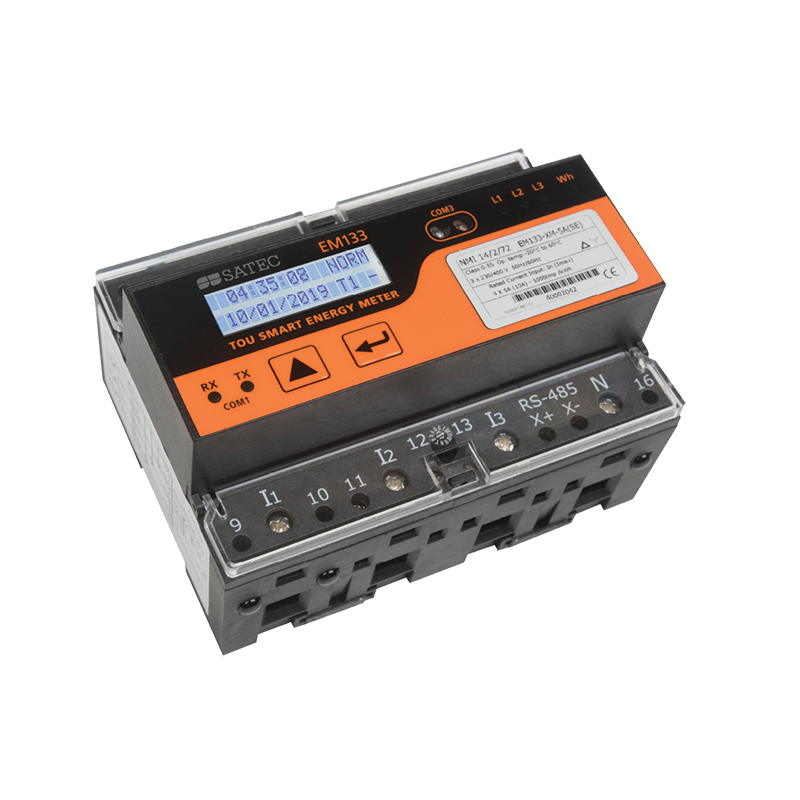
EM133-XM
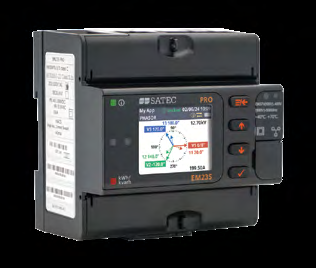
EM235
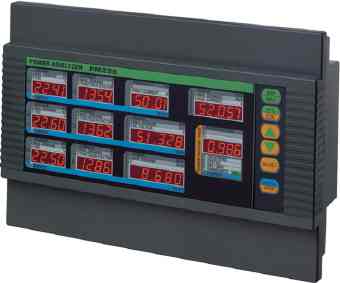
PM296
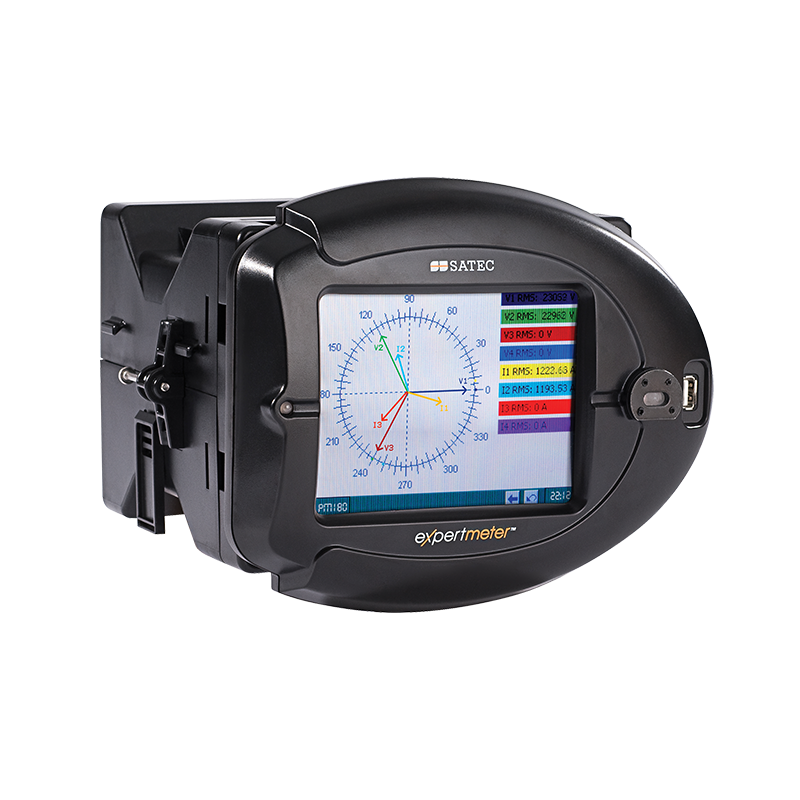
PM180
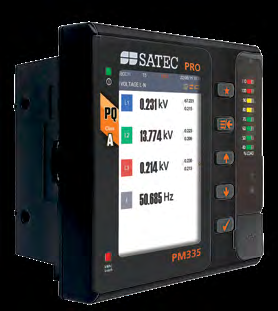
PM335
Choose a document by its full model and variant. Product photographs identify the family; fitted options can differ.
PM296 polarity fault
Recorded draft · import pendingRecorded draft — import and release review pending. Playback is not included in this candidate.
Explore planned and parked lessons
Planned lessons have no recording here. Parked topics are held for later. These entries are a course plan, not playable lessons.
PAS foundations
Get oriented, create a site and manage local files.
- PAS onboarding
PlannedRecording and review pending.
- Toggle and redock the Sites Tree
PlannedRecording and review pending.
- Offline file management
PlannedRecording and review pending.
Communications
Establish the connection before interpreting readings.
- Device Manager and RS-485
PlannedRecording and review pending.
- ipconfig, ping and Ethernet
PlannedRecording and review pending.
- Communication Test: stable identity before scaling
PlannedStandalone lesson planned. The EM133 recording demonstrates a stable firmware value; it is not a unique serial number.
Recording and analysis
Plan the recording, inspect results and work with exported data.
- Data log setup and review
PlannedRecording and review pending.
- Waveform recording and analysis
PlannedRecording and review pending.
- Event and real-time diagnostics
PlannedRecording and review pending.
- COMTRADE
PlannedRecording and review pending.
- PQDIF and the scheduler
PlannedRecording and review pending.
Parked for later
These topics are outside the current production sequence.
- Advanced Alt-menu series
ParkedScope and recordings held for a later course.
- Network wait and retries
ParkedSeparate networking course held for later.
Programme revision and review
| Revision | Change and reason | Review / supersedes |
|---|---|---|
| 20261108-file-check-v1 8 November 2026 | Added a short file-management lesson after Upload and Duplicate. Use dates and file sizes as screening clues, then distinguish identical copies from matching meter settings. | Source and navigation review for this development revision. New lesson |
| 20261108-learning-path-v1 8 November 2026 | Beginner learning path and explicit lesson navigation. Start with site identification and backup; make CT practice and NEM context optional; preserve history before memory changes. | Navigation and deployment review for this development revision. 20261108-site-files-v1 |
| 20261108-site-files-v1 8 November 2026 | Removed visible provenance labels and added the new Site Config workflow course. Use natural learner-facing language while preserving source references and private review history. | Content candidate; deployment checks pending. 20261108-draft-v2 |
| 20261108-draft-v1 8 November 2026 | Added a comparison overview and individual written lessons for Data Logs 1, 2, 3 and 16 and the Event Log. Explain the individual log workflows while linking existing backup, memory, setpoint and communication lessons. | Written source-reviewed drafts; demonstration-specific checks, editorial acceptance and release pending. Initial detailed log course. |
| 20261108-draft-v1 8 November 2026 | Added source-reviewed written lessons for archive checks, memory partitions and retention, periodic setpoints, and logging intervals with NEM context. Make the written procedures available while their recordings are pending. | Source-reviewed written drafts; human editorial acceptance, live demonstration and release remain pending. Initial written course. |
| 20261107-ui-v2 7 November 2026 | Compact mobile navigation; playable lesson first; collapsible roadmap and review details; chapter controls follow playback and respect reduced motion. Improve access to the existing recorded draft on a phone. Presentation only: technical instructions, media revision and media hashes are unchanged. | Presentation candidate for protected preview; human listening, editorial acceptance and release remain pending. Presentation of the initial course navigation proposal. |
| 20261107-draft-v1 7 November 2026 | Proposed grouped PAS catalogue; only the recorded EM133 draft is playable. Separate available recording from planned and parked work. | Local navigation candidate; no public release. Initial programme navigation proposal. |
| 20261108-energy-v1 8 November 2026 | Added electricity-first energy and water/gas pulse-register lessons. Explain model-specific capacity, correct units, PAS setup and consumption checks. | Primary-source and configured Product Master consultation completed; independent artifact review follows. None |