

01 · Start here
Finding your way
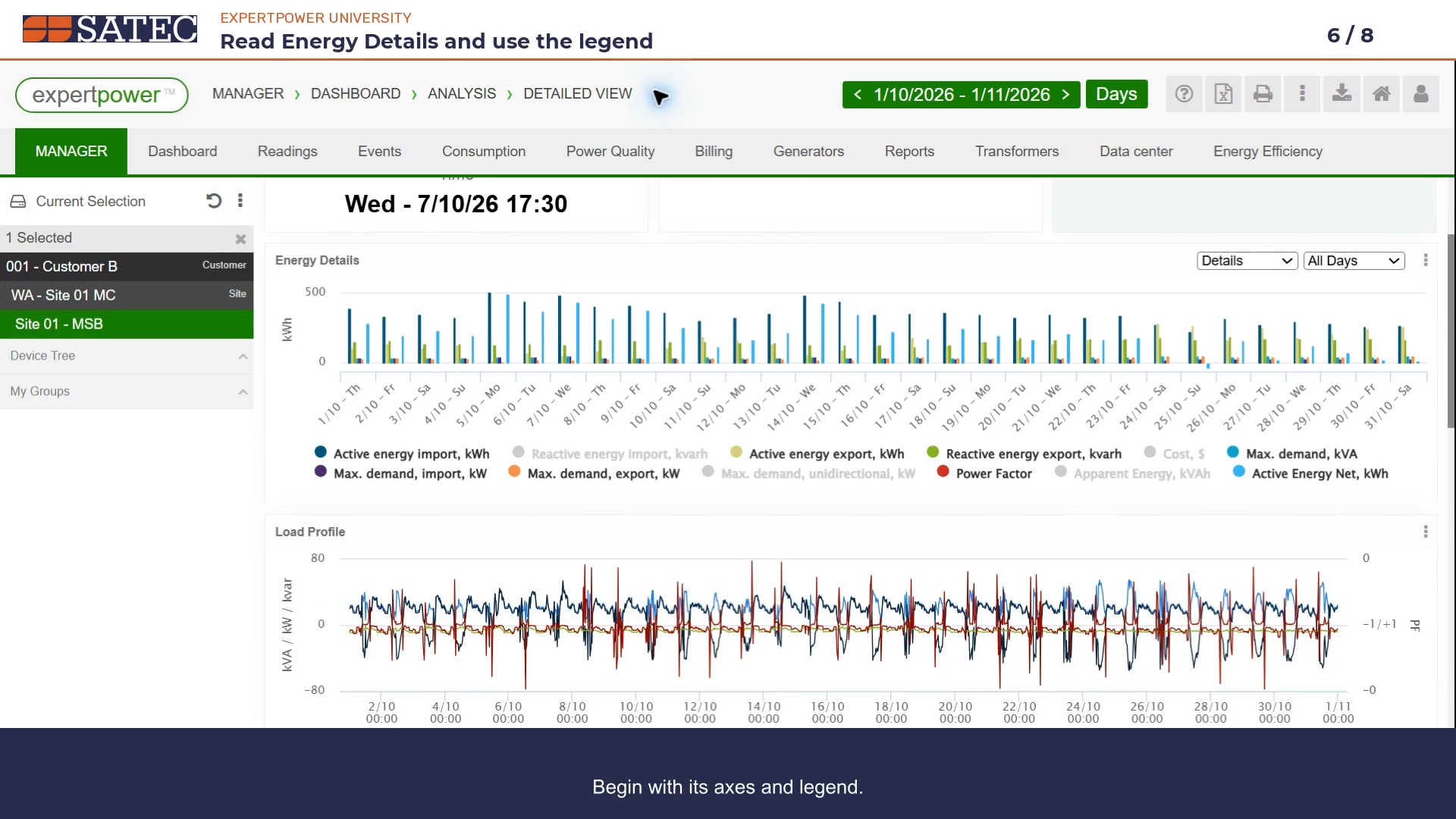
Select the intended meter and confirm whose data you are viewing.
Start U101 →Expertpower
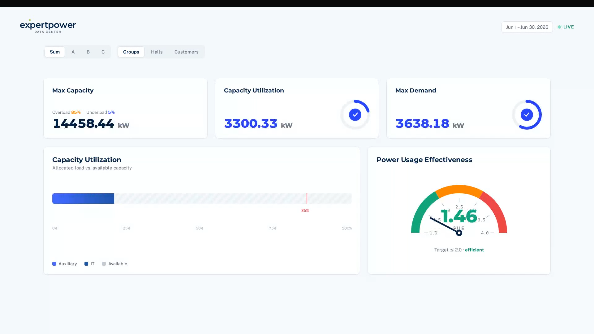
Learn to navigate your data, set the dates and read a populated dashboard.
Your learning path
Begin with navigation, then explore the dashboard or review a billing period.
Select the intended meter and confirm whose data you are viewing.
Start U101 →Follow the complete walkthrough, or jump to the chapter you need.
Watch overview · 13:26 →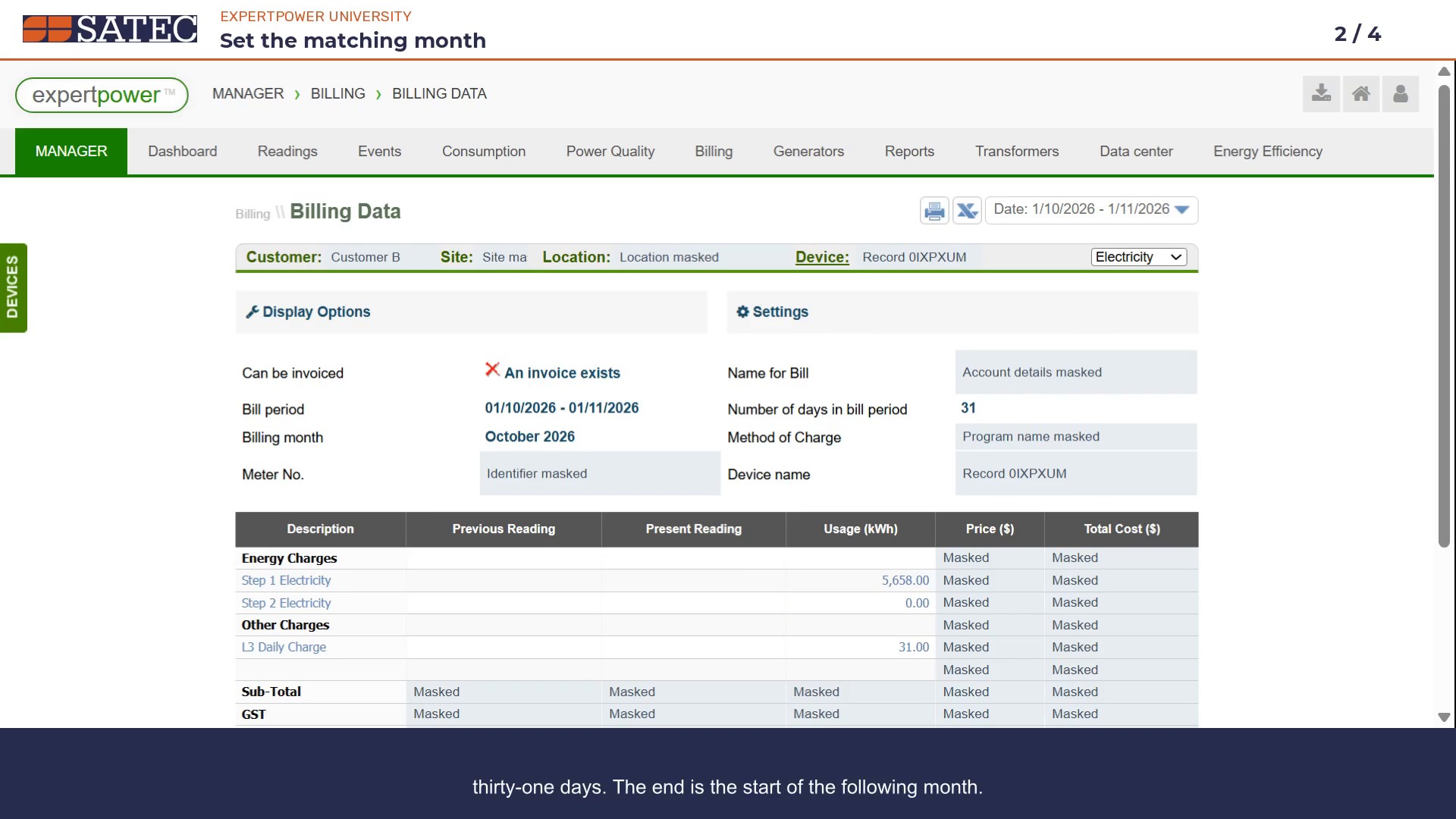
Saved invoice history, Fixed Time month selection, component readings and a comparison with Consumption. Includes a working playbook.
Watch billing review · 6:19 →Jump to a topic
Each chapter opens at its place in the complete dashboard walkthrough.
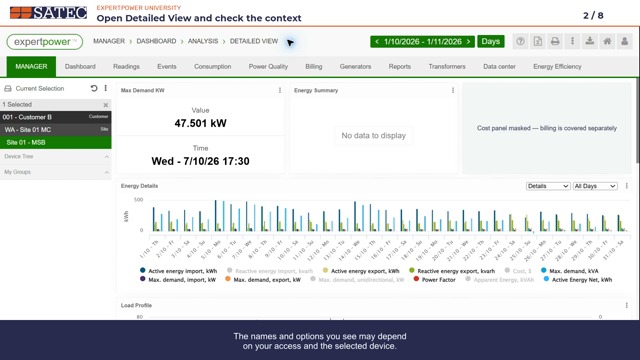
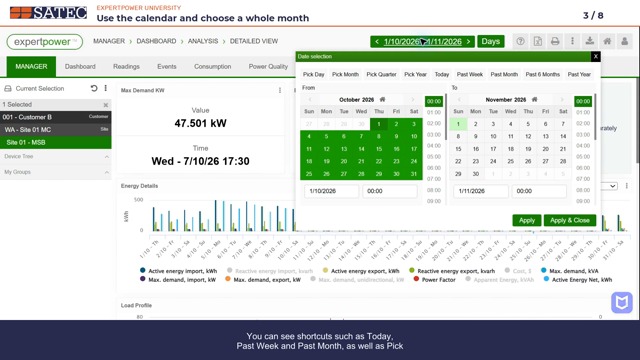
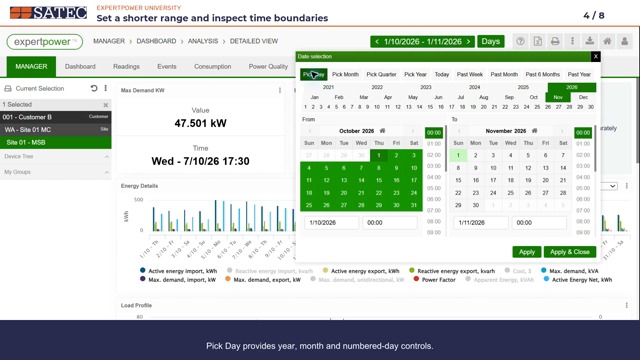
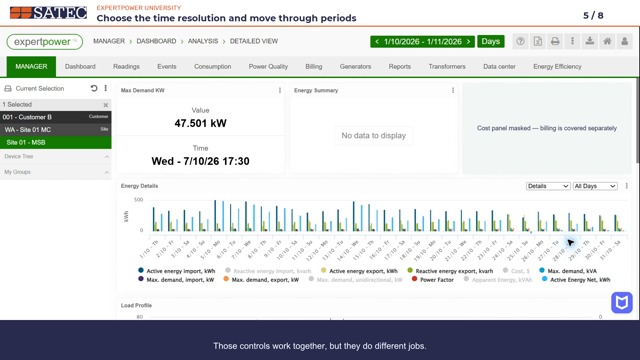
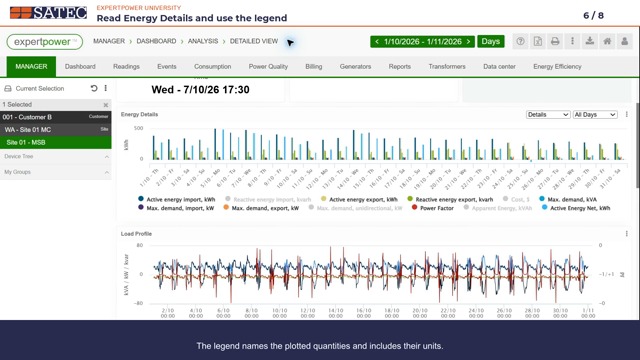
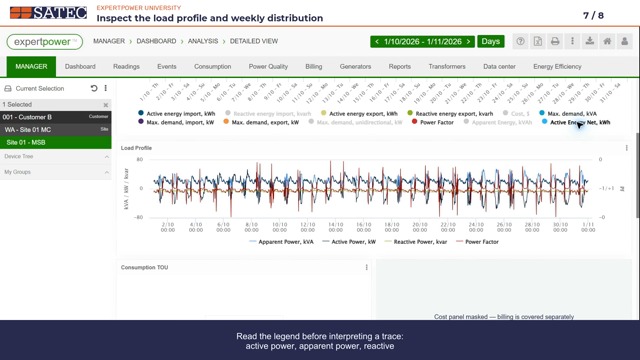
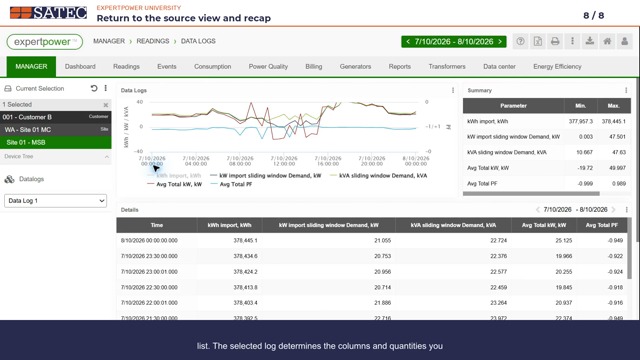
Commercial building demonstration
Start with one day, then widen the period to look for patterns in the demo data.
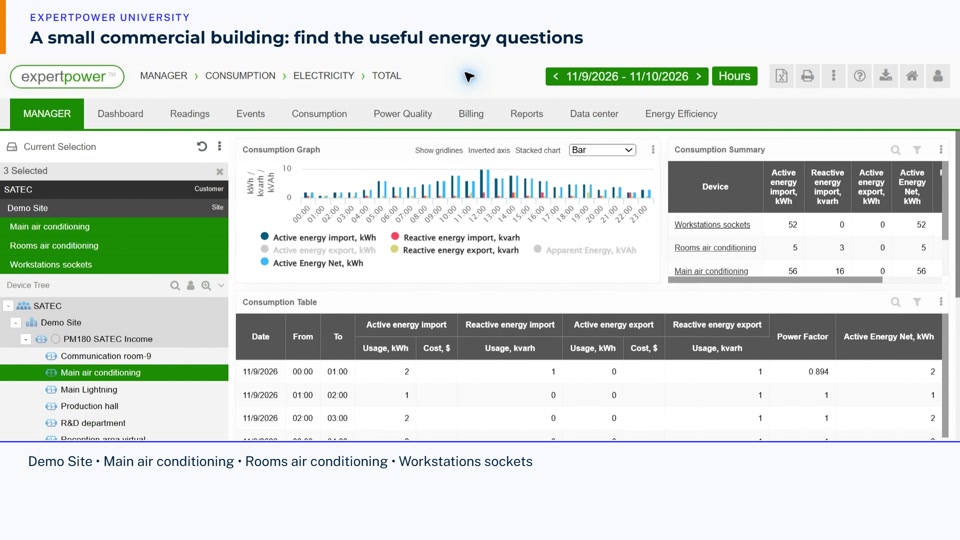
Find the demo building, recognise its metered loads and menus, and learn why dates and resolution come first.
Watch · 1:34 →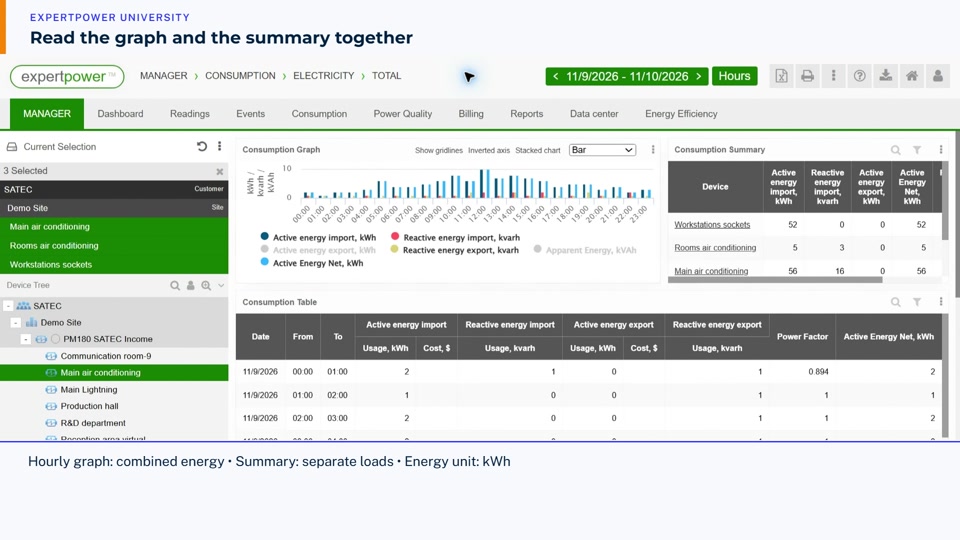
Select three demo loads, read one complete day, compare their totals, isolate a load and use drag zoom and Reset zoom.
Watch · 3:22 →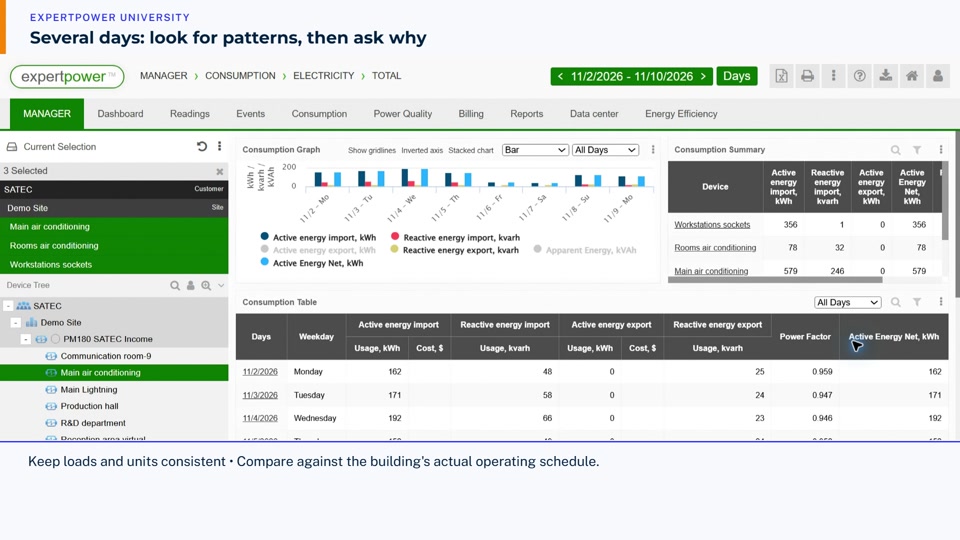
Widen the reporting period, compare daily patterns and drill from a month through weeks and days to hours, then return.
Watch · 3:18 →Release-note feature walkthrough
Follow the live demo, with availability and comparison limits kept in view.
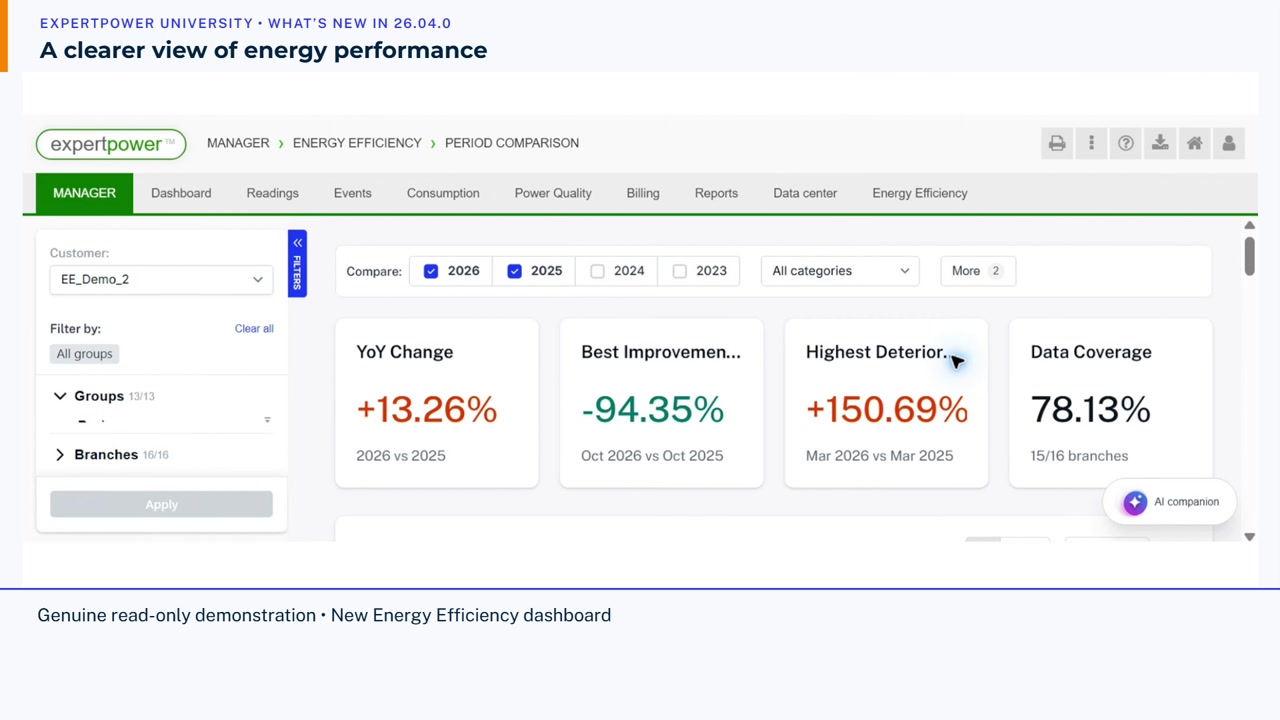
Explore the new Energy Efficiency Period Comparison dashboard: years, categories, energy per area, contribution and monthly patterns, plus the AI panel and documented administration additions.
Watch · 6:01 →Read meter measurements
Follow a complete reading sequence, keeping units, timestamps and interpretation limits in view.

Use Readings History to check a record and period, compare phases, zoom a profile and read timestamped power, demand and signed power factor with their limits in view.
Watch · 3:44 →Find the right scope
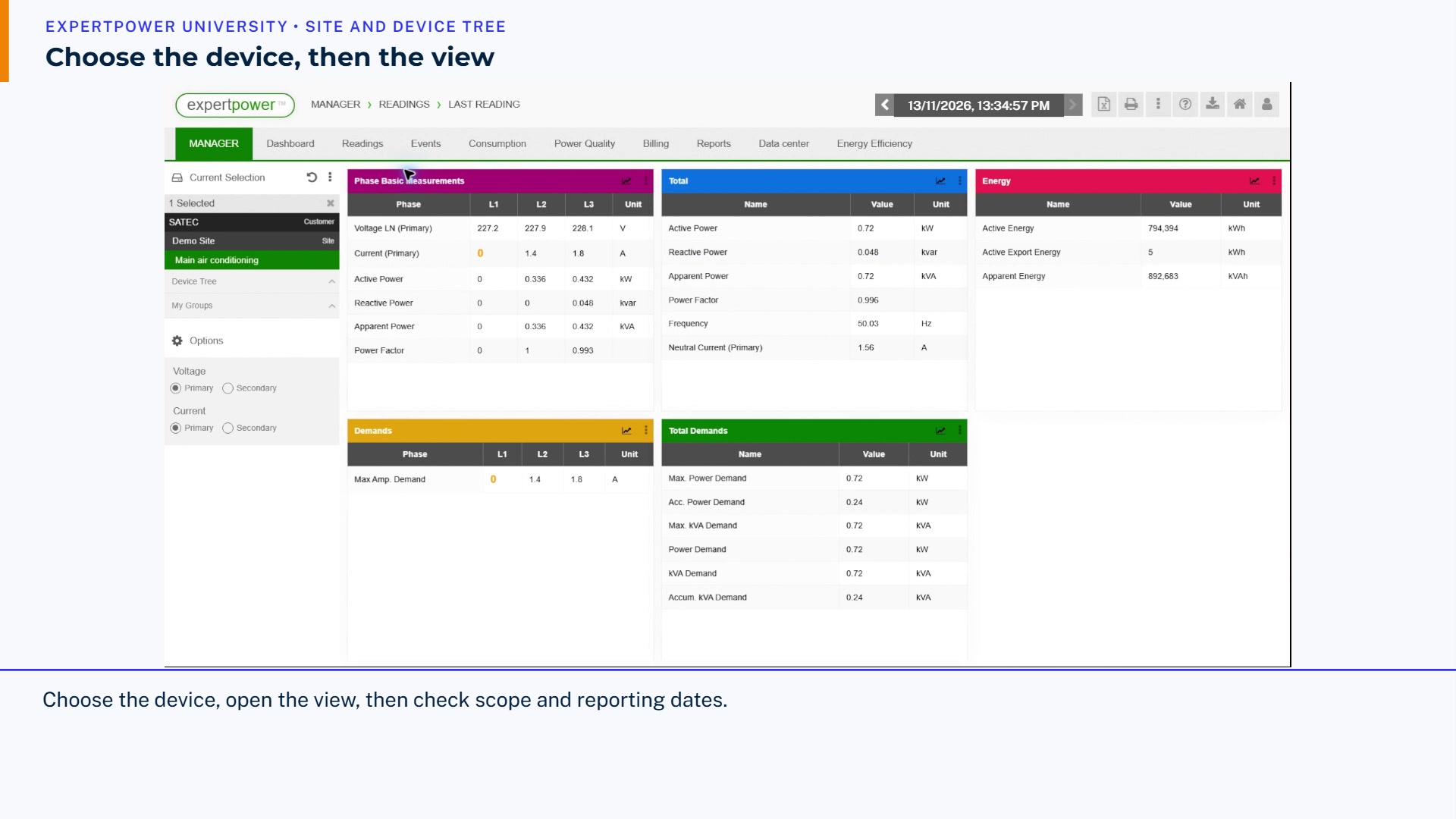
Find a device, open its seven navigation shortcuts and compare them with the main menus. Check the selected scope and reporting dates as you move between views.
Watch · 4:36 →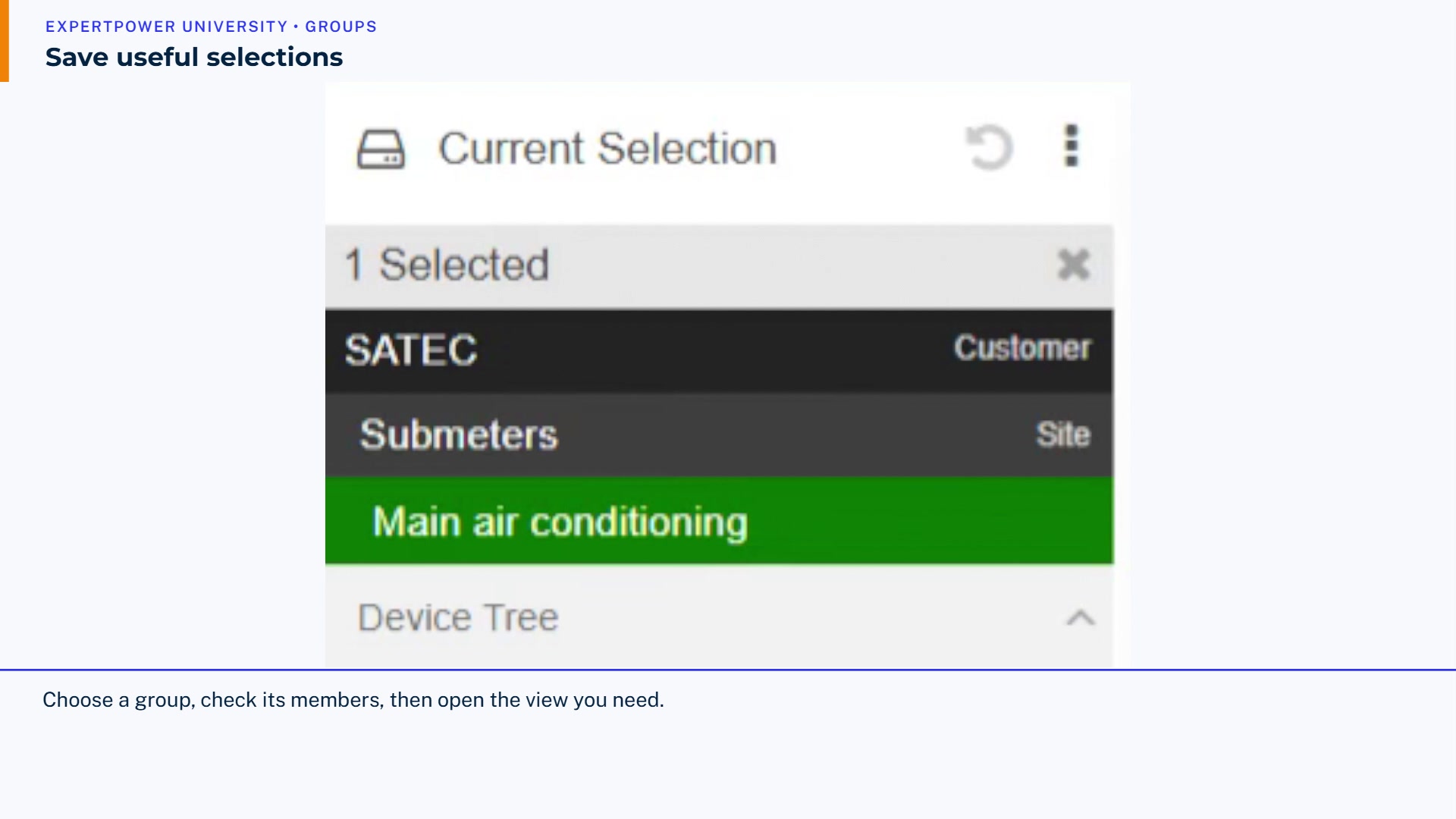
Save two useful device selections, switch between them across Consumption and Last Reading, then remove only the temporary demonstration groups and verify the cleanup.
Watch · 4:28 →Meter, pulse and virtual records, and a dedicated Data Log 1 lesson are in preparation. The billing review lesson is now available above.