
PM172 · RECORDS
What can my PM172 record, and how should I retrieve it?
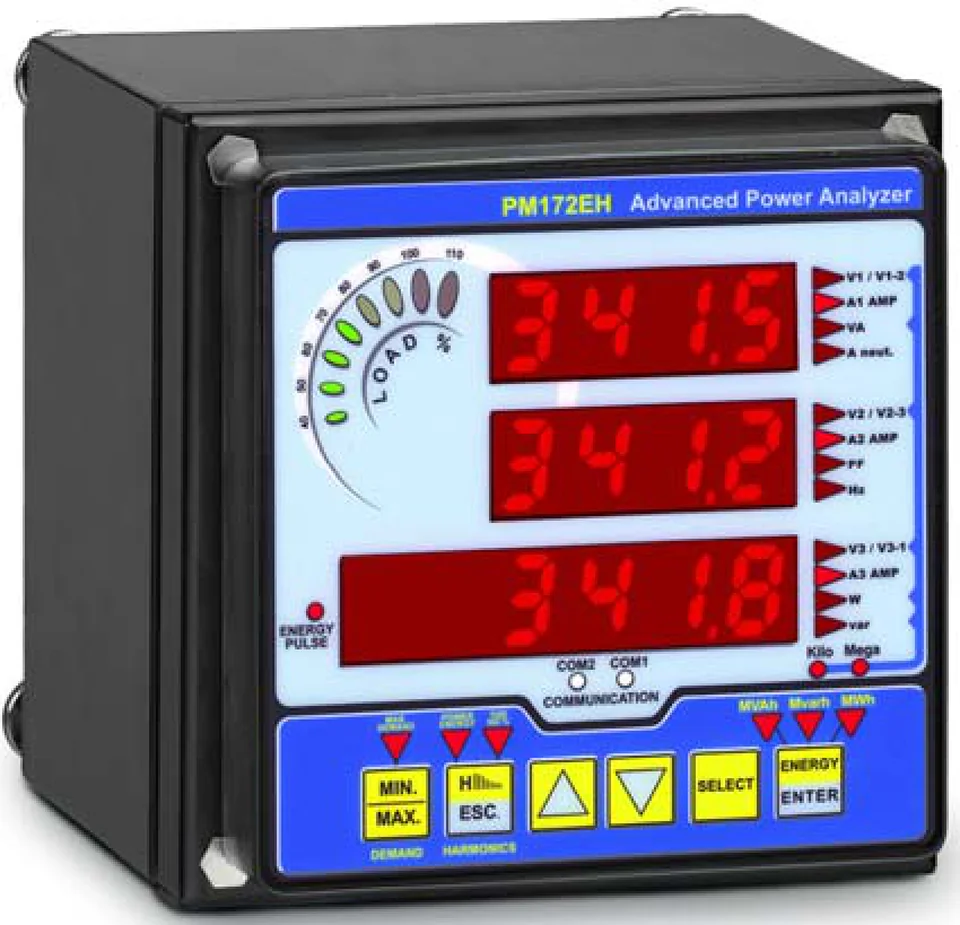
This page sets out what the Series PM172 Installation and Operation Manual, BG0399 Rev. A9, says about the PM172's recorders, how long records last, and how they are retrieved. A dated 2020 factory datasheet lists 16 data recorders instead of the manual's 8. SATEC Australia's advice: check your unit's model and firmware before relying on any figure here; see Which PM172 model, display and manual apply to my installation?
Which models record
The manual marks the recorders by model:
- event recorder: PM172E, PM172EH
- data recorders: PM172E, PM172EH
- waveform recorders: PM172EH
The SATEC Australia datasheet lists the RPM072 as the "PM172E-N transducer version, no display".
The factory memory settings
The manual says the memory "is pre-configured for common data trending and fault recording applications as shown in the following table".
| No. | File | Type | Size, Bytes | Channels | Number of Records | Number of Events | Description |
|---|---|---|---|---|---|---|---|
| 1 | Event log | Wrap around | 16000 | 1000 | 1000 | ||
| 2 | Data log #1 | Wrap around | 103680 | 1440 | 1440 | Configured for data trending | |
| 3 | Data log #2 | Wrap around | 103680 | 1440 | 1440 | Configured for data trending | |
| 18 | Waveform log #1 | Wrap around | 249600 | 6 | 40 | 40 | |
| 19 | Waveform log #2 | Wrap around | 124800 | 6 | 20 | 20 |
Data logs #1 and #2 are factory preset to record 16 standard power quantities each. Data log #1 includes voltages, currents, total kW, kvar, kVA and PF, and voltage and current THD. Data log #2 includes voltage and current demands, sliding demands, kWh, kvarh and kVAh, neutral current and frequency.
The manual says: "Setpoint #1 is factory preset to provide standard periodic data logs on a 15-minute time basis. It is linked to the device clock and runs data logs #1 and #2 at 15-minute boundaries of an hour."
SATEC Australia's advice: don't assume your meter still has the factory settings. Check its Log Memory tab and setpoints.
How long records last
SATEC Australia's advice: for a periodic data log that writes exactly one record per interval, you can estimate how long it holds as:
> days of records = number of records × interval in minutes ÷ 1440
For example, with the factory settings above unchanged, data log #1 holds 1440 records, and Setpoint #1 writes one every 15 minutes. That gives 1440 × 15 ÷ 1440 = 15 days. This is a calculation, not a manufacturer figure. The estimate doesn't hold if the file has other triggers, a different interval or a different allocation.
The manual's record sizes are 16 bytes for an Event Log record and "8 + 4 x Number of parameters" bytes for a Data Log record. A data record can hold "up to 16 data parameters".
Two other logs work differently:
- Data log #8. "Data Log #8 is configurable to store TOU daily profile log records on a daily basis."
- Waveform logs (PM172EH only). "A single waveform record for a channel contains 512 points of the sampled input signal." The manual gives: "Number of Records per Series = Sampling Rate (Samples per Cycle) x Number of Cycles per Event / 512". Its example is a 64-cycle waveform at 32 samples per cycle, which needs 4 records per series. Waveform Log #1 records "at 32 samples/cycle" and Waveform Log #2 "at 128 samples/cycle".
Retrieving the records
The manual says PAS can "retrieve recorded events, data and waveforms from your PM172E and PM172EH meters and save them to files on your PC in the MS Access database format". Data can be uploaded on demand, or through the Upload Scheduler. "If you do not change the destination database location, new data will be added to the same database".
For the PAS steps, see:
- How do I retrieve recorded logs in PAS and keep the original data?
- Which PAS actions read from, save locally or write to my meter?
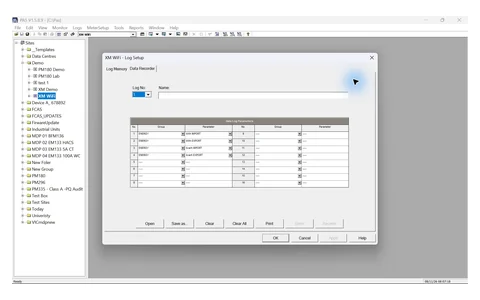
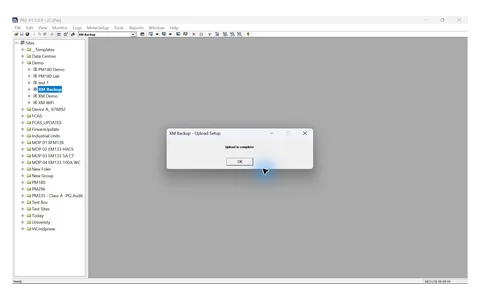
The manual also says: "PAS allows you to remotely clear energy accumulators, maximum demands, Min/Max log registers, counters and log files in your device." SATEC Australia's advice: retrieve the logs and keep a copy before anyone clears logs, resets anything or reorganises the memory files.
Device diagnostics
The manual says the Device Diagnostics tab is under Device Control in the Monitor menu, and that "All diagnostic events are recorded to the Event log". Some of the diagnostic codes in Appendix F:
| Diagnostic Code | Description | Reason |
|---|---|---|
| 8 | Power Down/Up | Normal power-up sequence |
| 10 | Configuration reset | Corrupted setup data has been replaced with the default configuration |
| 11 | RTC fault | The clock time has been lost |
| 13 | Low battery | Battery replacement is required. With auto-reset. |
The manual gives no battery replacement procedure. SATEC Australia's advice: if code 11 or 13 appears, don't open the meter. Retrieve the event log before clearing the diagnostics, and contact SATEC Australia.
What to send SATEC Australia
SATEC Australia's advice: include these details when you contact SATEC Australia about PM172 records:
- the model, serial number and firmware versions
- the retrieved event log, and any data or waveform logs relevant to the question
- a screenshot of the Log Memory tab
- any diagnostic codes shown
Manual
Series PM172 Installation and Operation Manual BG0399 Rev. A9. Recorder configuration is on pages 86 to 92, starting at page 86. Log retrieval is on page 106, and the diagnostic codes are on page 135.
Need help?
Contact SATEC Australia technical support through our contact form.
Source review: 22 November 2026.