
EM133 · SUPPORT
What should I record before asking for help with an EM133?
Quick answer
SATEC Australia's advice is to record what the meter is showing before you clear, restart or change anything: the label, the Device Info display, any diagnostic messages, the clock and the basic setup. Some diagnostic messages clear themselves once their cause goes away, and clearing the diagnostics removes them. Then contact SATEC Australia technical support with what you recorded.
Applies to
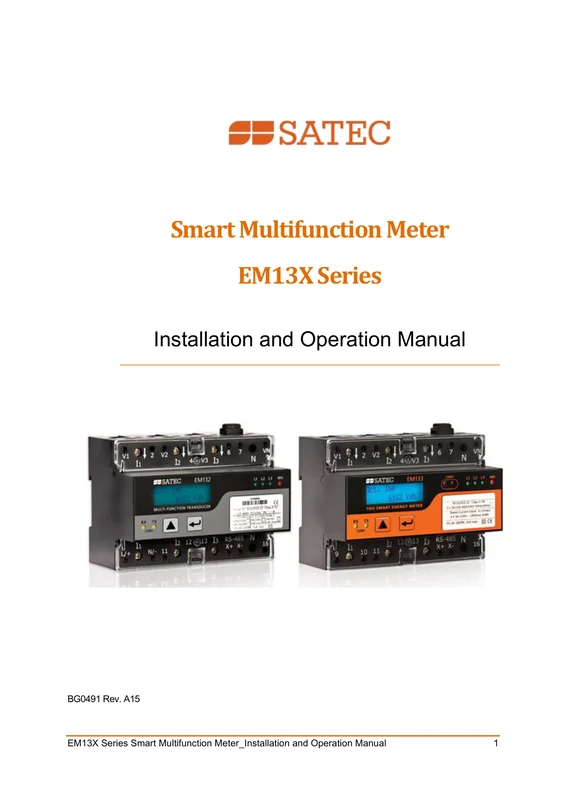
This page covers the plain EM133 as the EM13X Series manual lists it: the EM133 with an AC/DC auxiliary supply, the EM133-21DC and the self-energised EM133-SE. It does not cover the EM132, which the same manual also lists, or the EM133-XM, EM133-XM-AR and EM133-MID, which the EM133 datasheet lists as separate models. If you're not sure which model you have, see Which EM133 model and input variant do I have?.
Record these first
SATEC Australia's advice is to record this list before clearing diagnostics, restarting the meter or changing any setting:
- The label. Photograph it. The manual's label examples show the model, the rated current input and a serial number.
- The Device Info display. Note the serial number (S/N), the software version (S/W), the boot software version, the modem setting and the COM1, COM2 and COM3 settings.
- Any diagnostic messages. The Device Info display shows the diagnostic messages the meter has recorded from its self-test. Write down each one before you clear it.
- The clock. Note the meter's date and time against a reference clock. See Can I replace the clock backup battery in an EM133? for how to check it.
- The basic setup. Note the wiring mode, PT ratio, PT factor, CT primary current and nominal frequency.
- What happened. Note when you first saw the problem, and anything that changed on site around then.
What the diagnostic codes mean
The manual lists these device diagnostic codes:
| Diagnostic Code | Description | Reason |
|---|---|---|
| 2 | Memory/Data fault | Hardware failure |
| 3 | Hardware watchdog reset | Hardware failure |
| 5 | CPU exception | Hardware failure |
| 6 | Run-time software error | Hardware failure |
| 7 | Software watchdog timeout | Hardware failure |
| 8 | Power Down/Up | Normal power-up sequence |
| 9 | Warm restart | External restart via communications or by firmware upgrade |
| 10 | Configuration reset | Corrupted setup data has been replaced with the default configuration |
| 11 | RTC fault | The clock time has been lost |
| 13 | Low battery (with a battery backup unit) | Battery replacement is required |
| 15 | EEPROM fault | Hardware failure |
For code 13, SATEC Australia's advice is to read the EM133 clock backup battery article before doing anything to the meter.
Where else to look in PAS
In PAS, the Device Diagnostics tab under Monitor, Device Control shows the same diagnostics. Its Clear button clears them. The event log records configuration changes, resets and device diagnostics with a time for each. SATEC Australia's advice is to save the setup and logs before any change. The SATEC PAS guides show how, but most of their worked examples use the EM133-XM, so check menu names against your EM133 manual.
Contact support
Contact SATEC Australia technical support through our contact form. SATEC Australia's advice is to send the list above with your photos.
Manuals and source pages
- EM13X Series Smart Multifunction Meter Installation and Operation Manual, BG0491 Rev. A15 on the cover, with Rev. A16 in the contents-page footer:
- Device Info display, section 3.3.7, printed page 77 (PDF 80).
- Basic setup, Table 8, printed page 95 (PDF 98).
- Viewing and clearing device diagnostics, section 6.3, printed page 132 (PDF 135).
- Viewing the event log, printed page 156 (PDF 159).
- Appendix H Device Diagnostic Codes, printed page 188 (PDF 191).
- Available from the SATEC Australia manuals and datasheets page. Evidence checked 22 November 2026.
Related answers
Source review: 22 November 2026.