
EM132 · CLOCK BACKUP
Does the EM132 have a replaceable clock backup battery?
Quick Answer
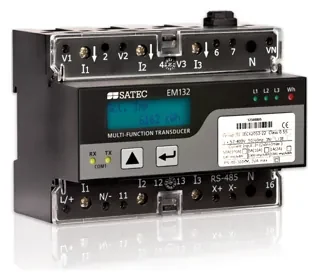
The EM132 is covered by SATEC's combined EM13X Series Installation and Operation Manual. That manual describes an RTC (real-time clock) backup battery, a coin cell, and gives a short replacement section for qualified personnel.
SATEC Australia is not publishing a replacement procedure for the EM132. The manual's own instructions disagree on three points:
- the text names the cell CR2032, while its drawing labels it CR1632;
- the battery section says to change it with the power supply on, while the general precautions say never to open the instrument while it is connected to a power source, and to turn off all power sources before any work;
- the battery section starts by removing the cover, while the warranty says only a duly authorised manufacturer representative may open the instrument, in a fully anti-static environment.
As interim advice while these points are unresolved, SATEC Australia suggests contacting its support team if your EM132 needs clock-battery attention.
What The Battery Section Covers, And What It Does Not
The manual calls the cell the RTC battery backup. It does not describe in words what the cell does when supply is lost.
The manual gives a typical clock retention time of 15 months for the standard meter clock. It does not say whether that figure is a battery life, a replacement interval or the time the clock keeps time without supply, so do not treat it as any of those.
The meter's event and data records are held in 125 KB of onboard non-volatile memory, which the manual describes separately from the clock. The manual does not describe what happens to record timestamps when the clock time has been lost.
The EM132 datasheets do not mention a battery or clock retention. Whether every EM132 order code and hardware revision has the same arrangement is not known.
How To Tell Whether The Clock Needs Attention
You can check these without changing anything in the meter:
- Compare the meter's clock with your computer. In PAS, with the meter on-line, open Monitor and select RTC. The dialog shows the PC time and the meter time side by side.
- Read the device diagnostics. On the front panel, the device info display shows any diagnostic messages. In PAS, open Monitor, select Device Control and then the Device Diagnostics tab.
- Look for two codes in the manual's diagnostic list:
- Code 11, RTC fault: the clock time has been lost.
- Code 13, low battery (with a battery backup unit): battery replacement is required. The manual does not explain which EM132 configurations the bracketed qualifier covers.
This guide does not cover clearing diagnostics or setting the clock. Record what you see before anyone changes the meter.
What To Do If The Clock Or Battery Is Flagged
SATEC Australia's interim advice is not to open the meter or attempt the manual's battery change while the conflicts above are unresolved. This is SATEC Australia's precaution, not a manufacturer instruction. The manual's section 2.5 does describe a replacement with the cover removed and the power on. The same manual's precautions and warranty restrict opening the instrument.
Contact SATEC Australia technical support through our contact form, with:
- the meter's full order code and serial number, from the label;
- the firmware version, shown on the front-panel device info display;
- the diagnostic codes shown;
- the PAS clock comparison;
- how long the meter was without power, if known.
Open Questions For The Factory
- Which EM132 order codes and hardware revisions have an RTC backup cell.
- Whether the cell is a CR2032 or a CR1632.
- Whether the battery section of the manual applies to the EM132, who may do the work, and whether the meter should be powered.
- What the 15-month typical clock retention figure means.
- Which EM132 configurations can report diagnostic code 13.
This is interim advice while these points are unresolved.
Manuals And Source Pages
- EM13X Series Installation and Operation Manual, BG0491. The cover says Rev. A15, August 2024, and the footer on PDF page 4 says Rev. A16. Battery section printed page 46 / PDF page 49; real-time clock specification printed page 163 / PDF page 166; diagnostic codes printed page 188 / PDF page 191. Open the manual at the battery section in a new tab.
- EM132 product page: EM132 multi-function meter.
Related Help
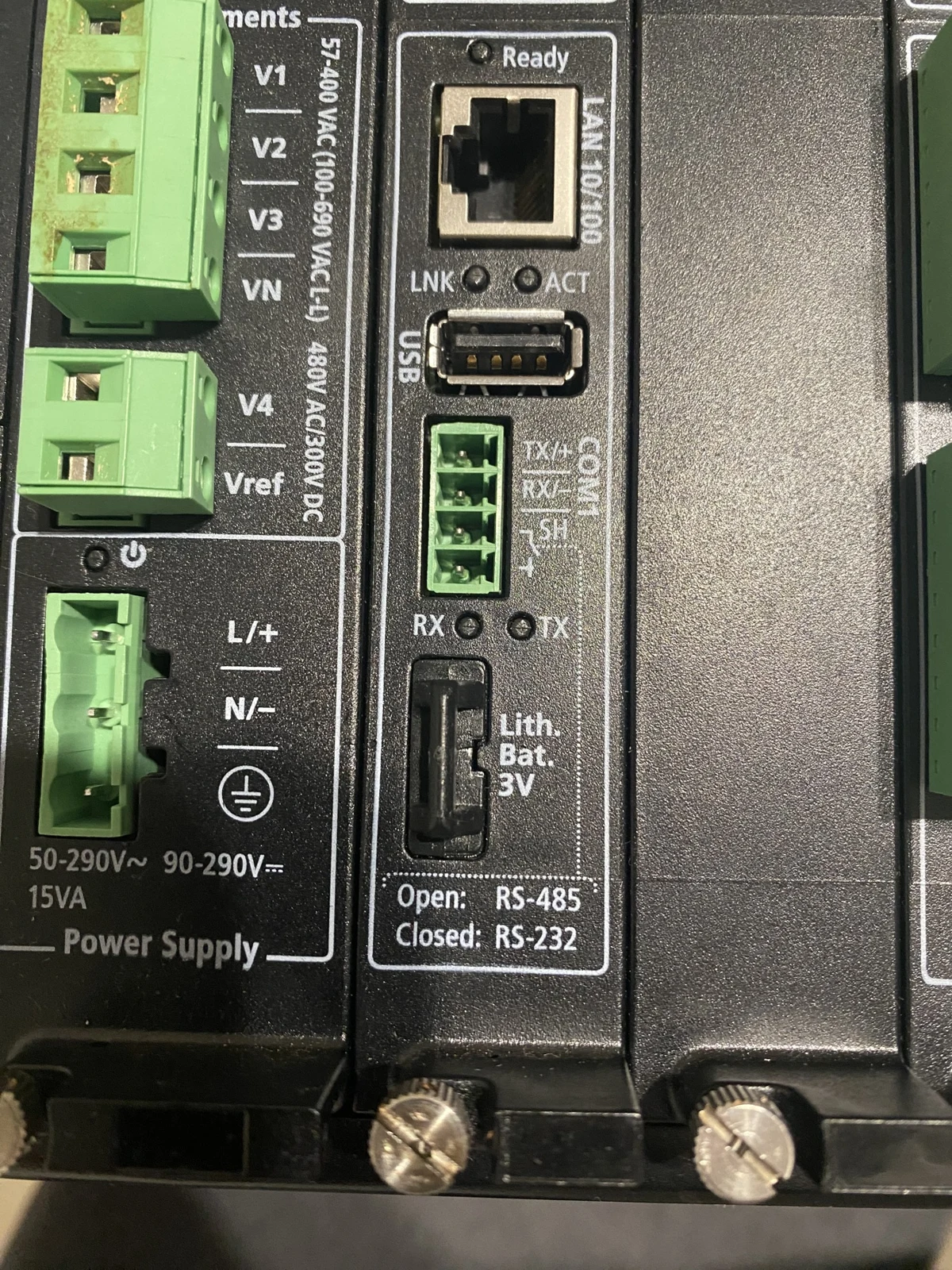 Replace the PM180 backup battery. That procedure is for the PM180 only and does not apply to the EM132.
- Knowledge Base home
- Documents
Source review: 22 November 2026.